AI Prompts for Real Estate Listing Photos
Magazine-style hero shots, before-and-after staging, tropical and luxury treatments, tilt-shift miniature aerials.
TL;DR: Listing photos are the single biggest determinant of click-through on PropertyGuru, 99.co, Zillow, Rightmove and Domain. These prompts turn ordinary unit photos into editorial covers worthy of Architectural Digest. Each adaptation accepts your real listing photo as input and re-stages, re-lights, or re-frames it in a specific style — luxury perfume-ad, before/after, magazine cover, tilt-shift miniature, tropical resort.
What separates a 2% click-through rate from a 12% one
Multiple agency studies (PropertyGuru 2024, Zillow 2025) show that listings with magazine-style hero images outperform standard agent photos by 4–6×. The difference is composition, lighting and grade — not the property itself. AI image transformations narrow the gap between a phone snap and a professional shoot, while keeping the actual unit recognisable. The prompts below preserve the room's structure, windows, doors and proportions while upgrading the staging and finish.
How to get the most out of a listing-hero prompt
- Start with the cleanest photo you have — front-facing, daytime, decluttered. The model amplifies what's already good.
- Pick the prompt whose aesthetic matches the listing's buyer profile — luxury for high-end condos, tropical for resorts, before/after for renovated flips.
- Replace the bracketed placeholders with your project name, district, and one-line tagline.
- Generate at 4:5 portrait for IG, 16:9 horizontal for portal hero. Both ratios are explicitly written into the realtor adaptations.
- For a multi-room carousel, run the same prompt across living, kitchen, bedroom and bathroom photos using the same color grade for a unified set.
All 14 prompts in this category
Each prompt below has its own page with the full realtor-adapted prompt, sample output, required inputs, and a copy button.

Aerial Drone Property Landscape
Hero drone shot of a development for the cover
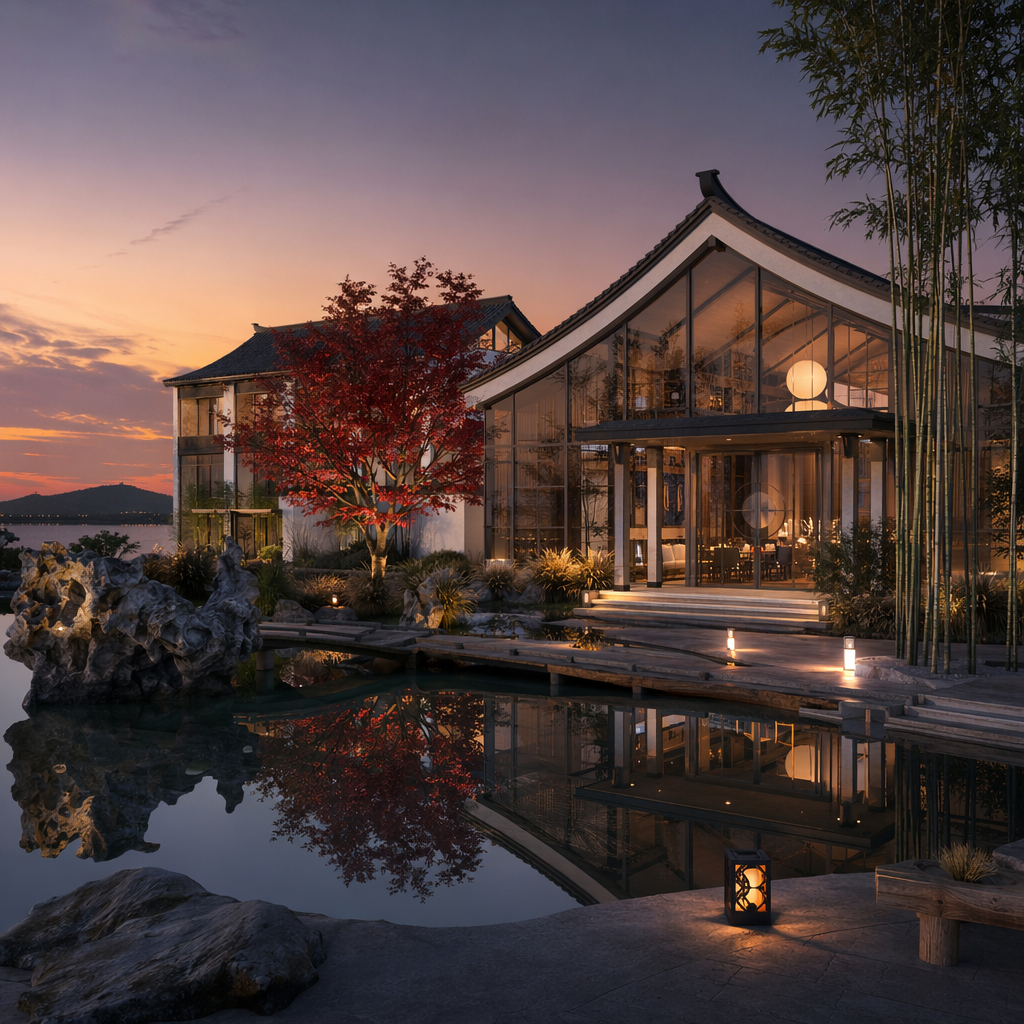
Architecture Visualization
Hero render for a new-launch poster

Before and After Handbag Ad
"Before / After" virtual staging post

Boutique Listing Miniature 3D Building
Boutique / shophouse / commercial listing hero image
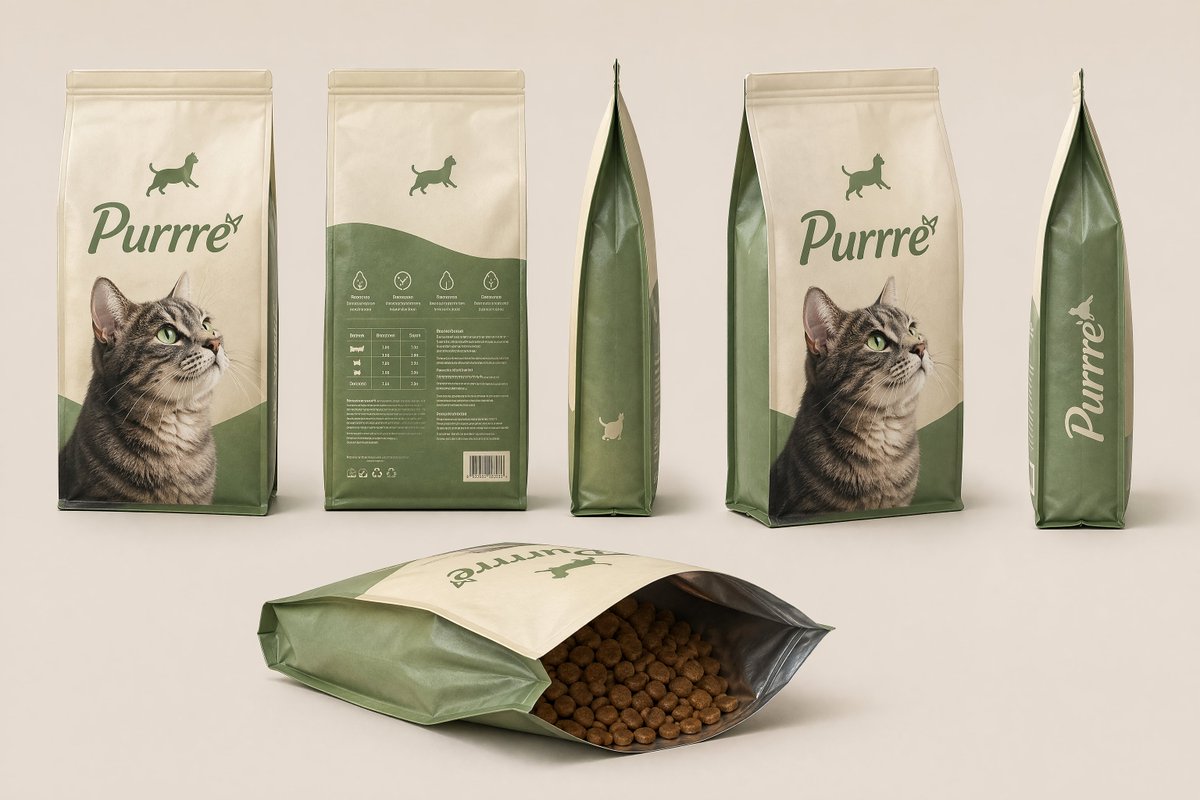
Consistent Product Kit Photography
A consistent visual set for multi-room listing carousel

E-commerce Listing Detail Page
Premium listing detail page for IG carousel or PDF
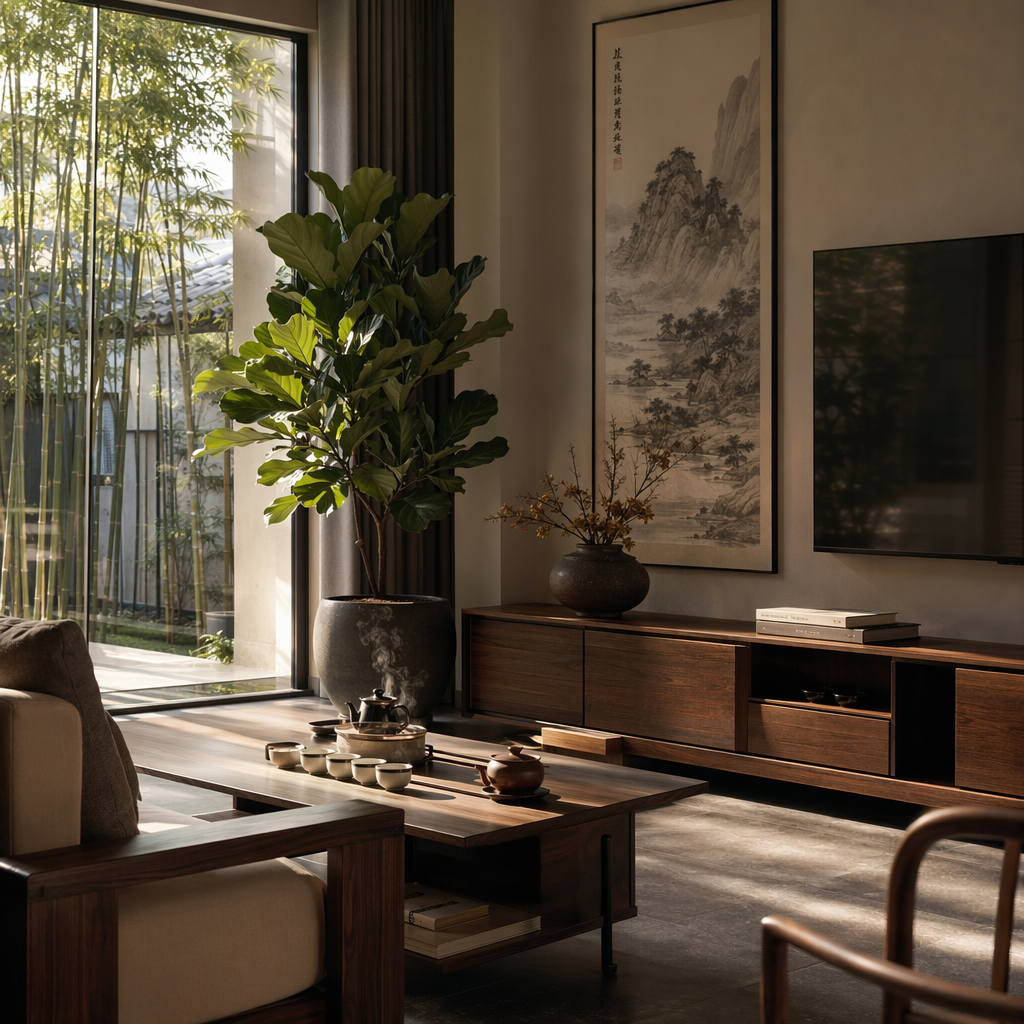
Interior Design Visualization
Virtual staging hero image
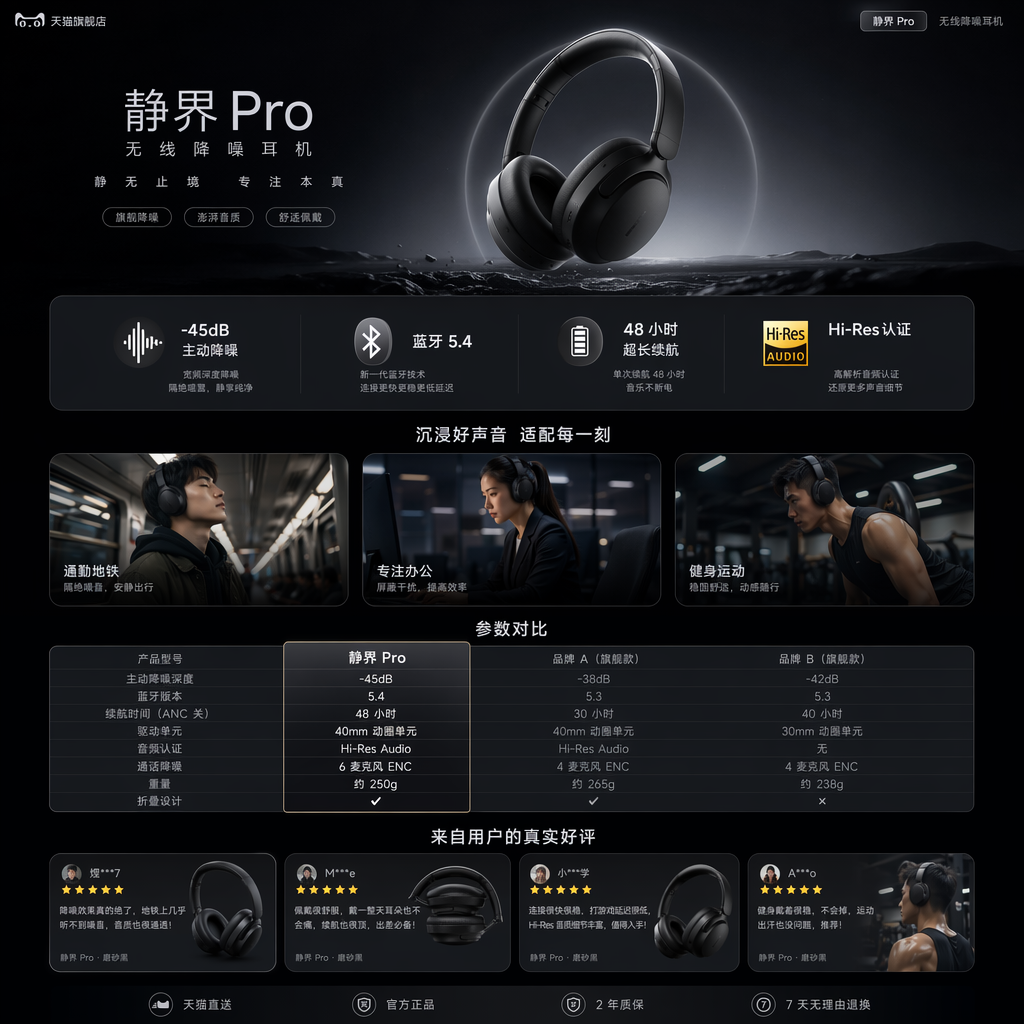
Listing Detail Page (Tech Aesthetic)
Tech-aesthetic listing detail page

Luxury Perfume Editorial Ad
High-end listing magazine cover (e.g., for a feature post)
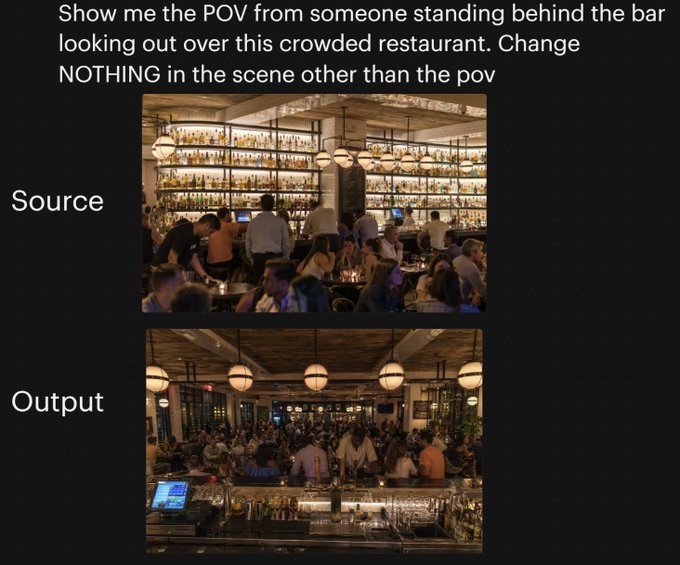
Restaurant POV Change Comparison
POV "stand here and see this" carousel
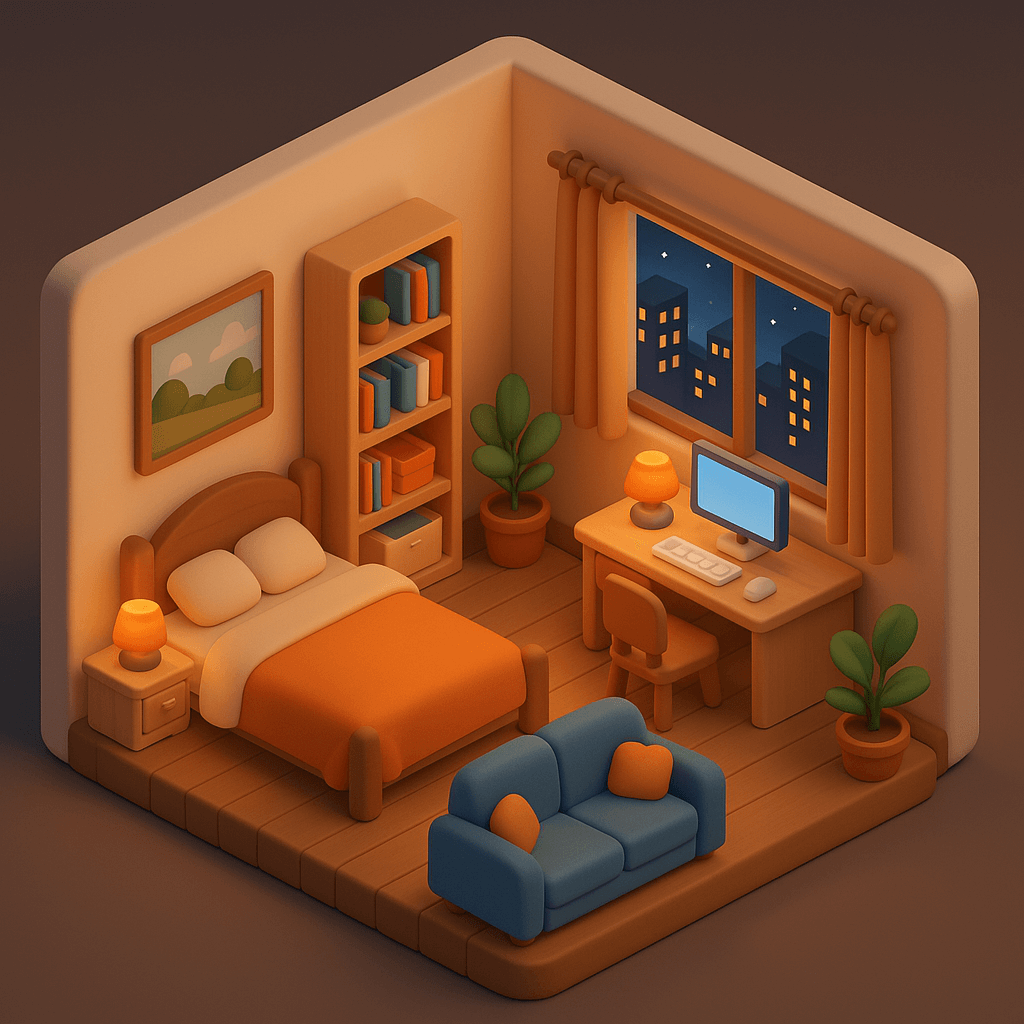
Stylized 3D Room Visualization
Visual staging concept for an empty listing

Tilt-Shift Mini Neighborhood Aerial
Hero image for a development / district feature

Tilt-Shift Miniature Property Aerial
Magical hero shot of a development from above

Tropical Product Photography
Tropical / resort-style listing hero image
Frequently asked questions
Will the model invent furniture that isn't there?
It can if you ask — most realtor adaptations explicitly say "preserve room structure" but allow staging upgrades. If you want a literal photo, add "do not add or remove furniture" to the prompt.
Is this legal under MLS / portal listing rules?
AI virtual staging is allowed on most major portals (PropertyGuru, Zillow, 99.co, Rightmove, Domain) provided the listing is clearly marked "virtually staged" — your local rules may vary. The unit's actual structure must remain truthful.
Can I use this for new launches / off-plan units?
Yes. Use a developer rendering or floor plan as input. The prompts work just as well for renderings as for photos.
Does it work on dim or low-resolution phone photos?
Yes. The model performs lighting correction during generation. Provide as much resolution as possible (≥1080p) for best output sharpness.
How does this compare to PostAI AI Image Studio?
PostAI AI Image Studio offers one-click virtual staging, decluttering and sky replacement specifically for property agents (no prompts required). These prompts are the manual, more flexible alternative — useful when you want full creative control.