AI Prompts for Property Infographics and Floor Plans
Exploded-view unit posters, blueprint floor plans, isometric cutaways, monument-style architectural studies.
TL;DR: A great property infographic gets saved, screenshotted and shared. These prompts turn a floor plan or interior photo into clear, beautifully laid-out educational graphics that explain a unit's features without overwhelming the viewer. Templates include exploded views, blueprint-style technical sheets, isometric "doll-house" cutaways, vintage-natural-history botanical plates, and monument-style architectural studies.
Why infographics out-share listing photos
Listing photos generate awareness; infographics generate saves. The save signal is particularly valuable on Xiaohongshu and Instagram, where save count is one of the top ranking factors. A well-designed unit infographic showing "1,098 sqft / 3 bedrooms / from $2.65M / TOP 2028" with annotated callouts gets bookmarked by real buyers planning a viewing — not just casual scrollers. The prompts below are calibrated for that saved-and-revisited use case.
How to use a property-infographic prompt
- Have your unit's key facts ready as bracketed inputs: bed configuration, sqft, PSF price, TOP date, unit count.
- Pick a layout that suits the depth of information — exploded view for feature-heavy units, blueprint for technical credibility, isometric for layout clarity.
- Generate in 4:5 portrait for IG carousel, A4 portrait for print one-pagers, or 1:1 square for sharing in WhatsApp.
- Add your name and phone as a small footer mark — these graphics get screenshotted and shared, so attribution travels with them.
- Repeat the same template for a series ("New Launch Tuesday Infographic") to build a recognisable visual brand.
All 11 prompts in this category
Each prompt below has its own page with the full realtor-adapted prompt, sample output, required inputs, and a copy button.

3D Isometric Property Cutaway
Isometric layout view for a listing carousel
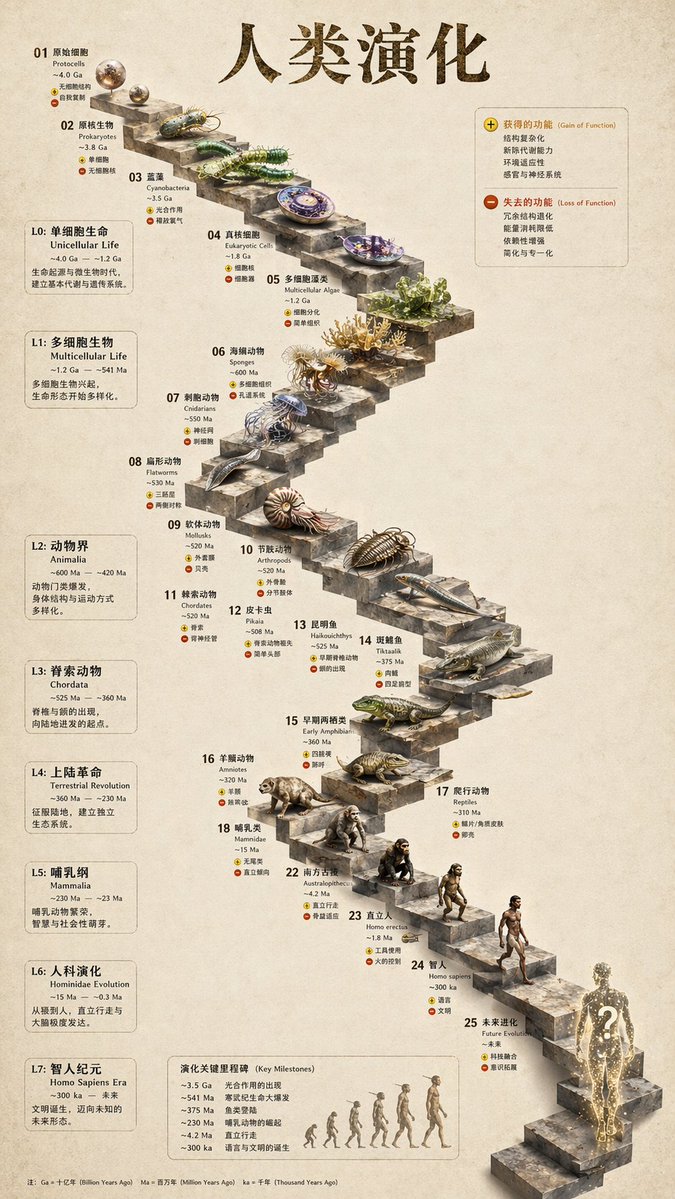
3D Stone Staircase Evolution Infographic
New launch evolution / "story-of-the-build" poster
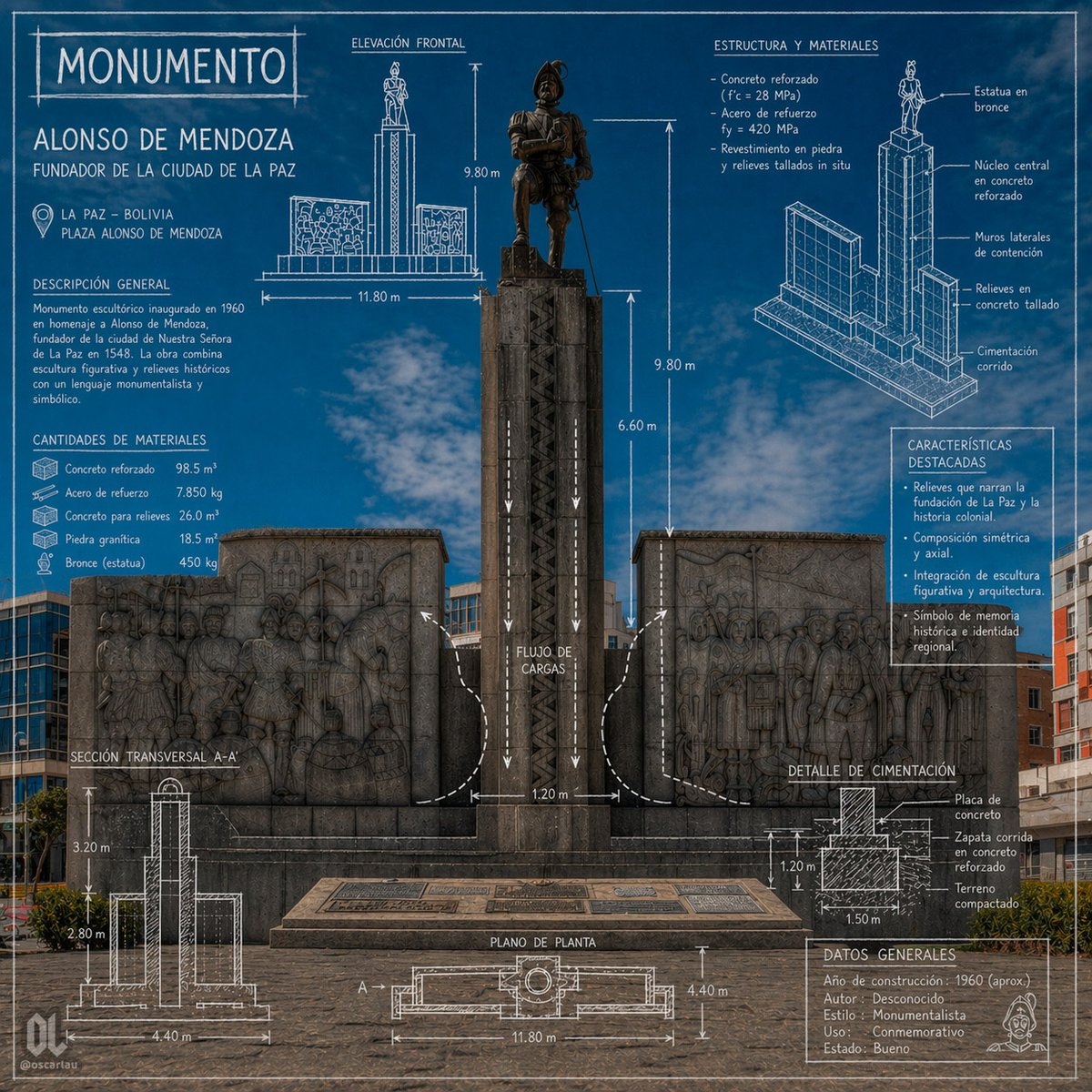
Blueprint Monument Infographic Poster
Blueprint-style listing one-pager
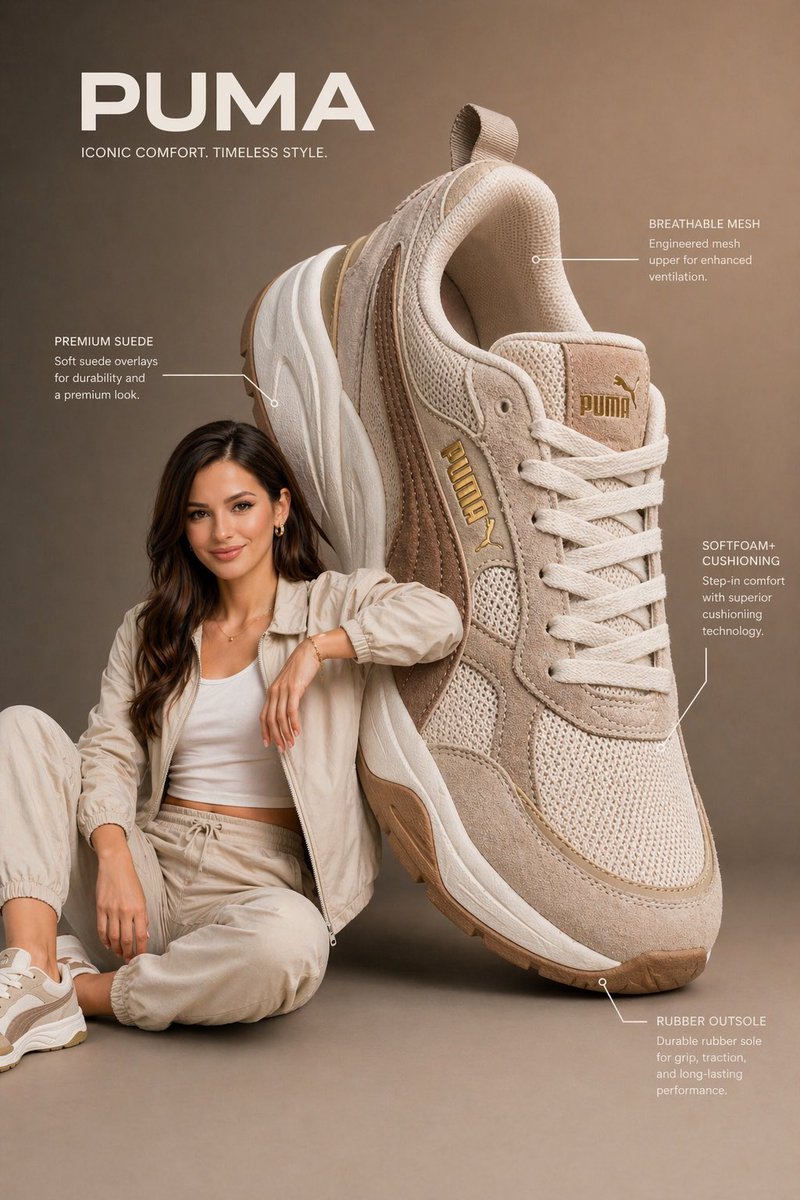
Commercial Product Infographic
Unit feature highlight poster (per unit)
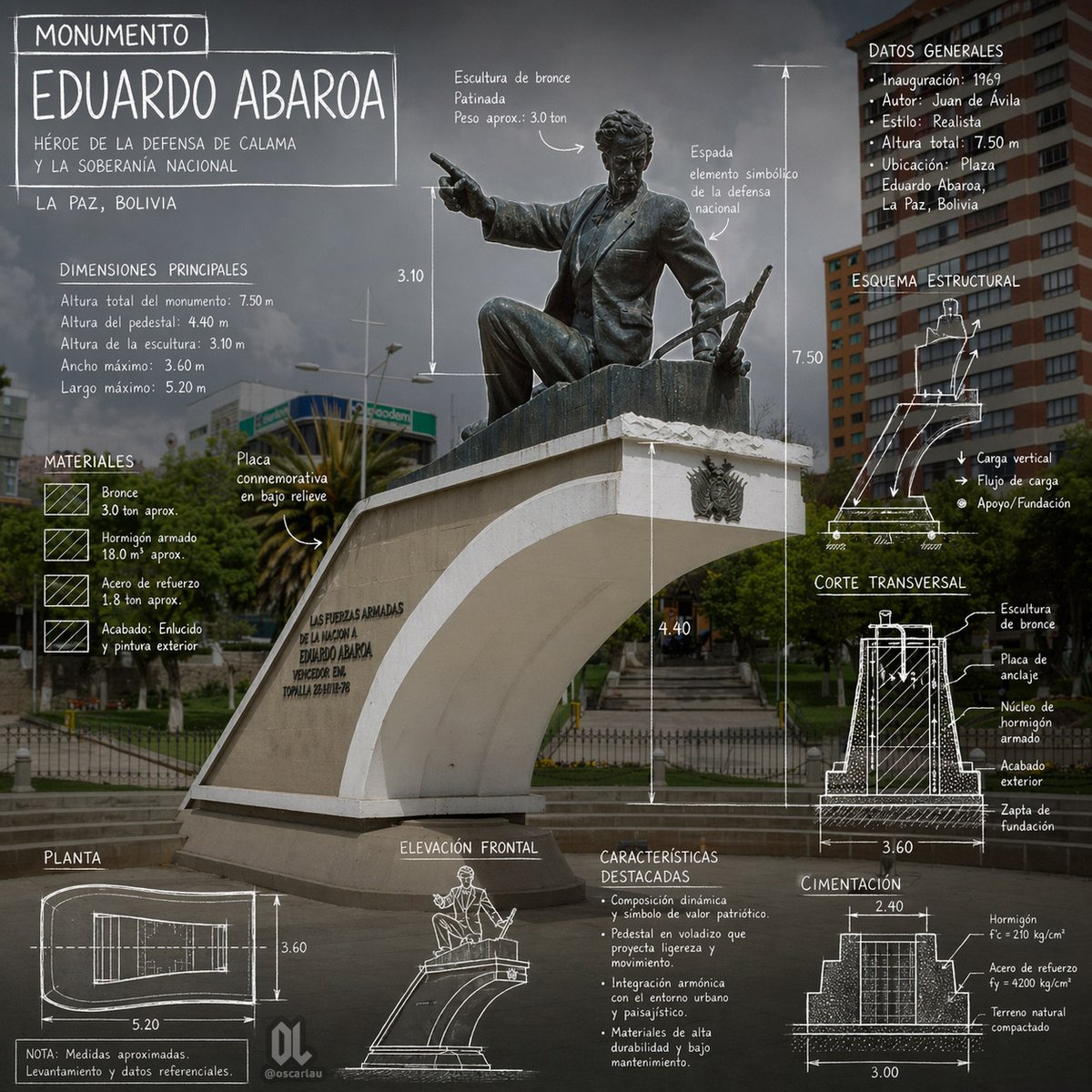
Eduardo Abaroa Monument Infographic
Heritage-piece marketing for landmark properties

Hand-Drawn "Buyer Tip" Card
"Tip of the week" buyer-education social card
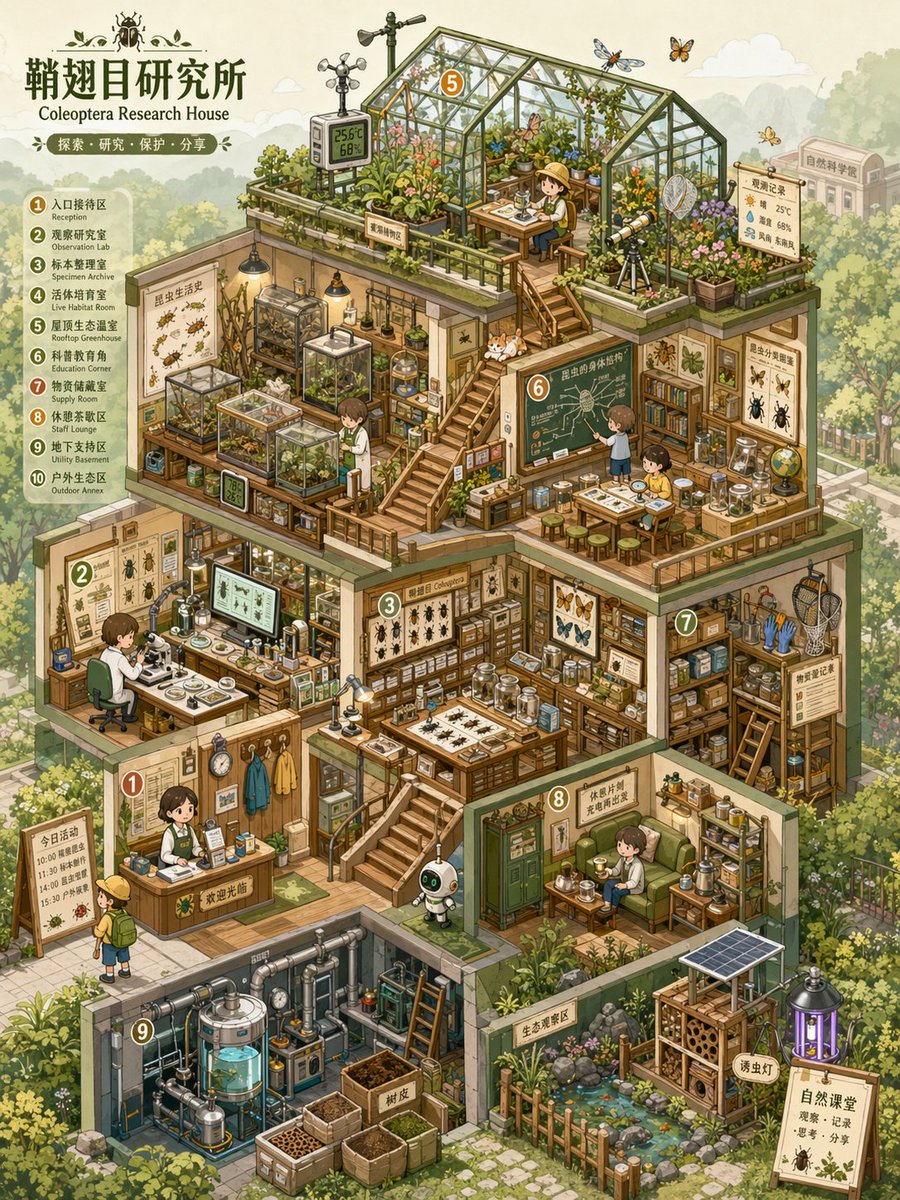
Isometric Micro-World Cross-Section Archive
Cute isometric "doll-house" floor-plan view
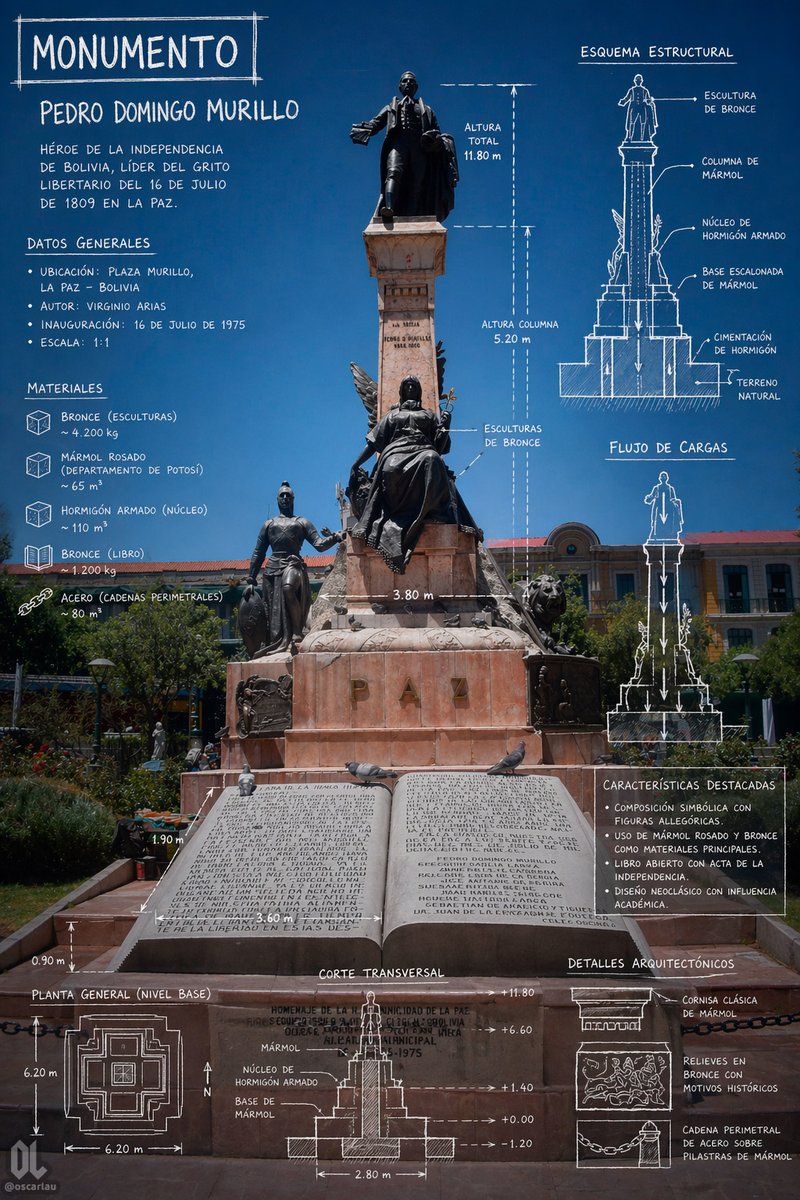
Monument Architectural Infographic Poster
Premium architectural-callout poster for the project

Property Facts Long Infographic
"Everything you need to know about [project]" educational long-image

Vintage Beagle Botanical Plate
Premium "natural-history-style" listing presentation card
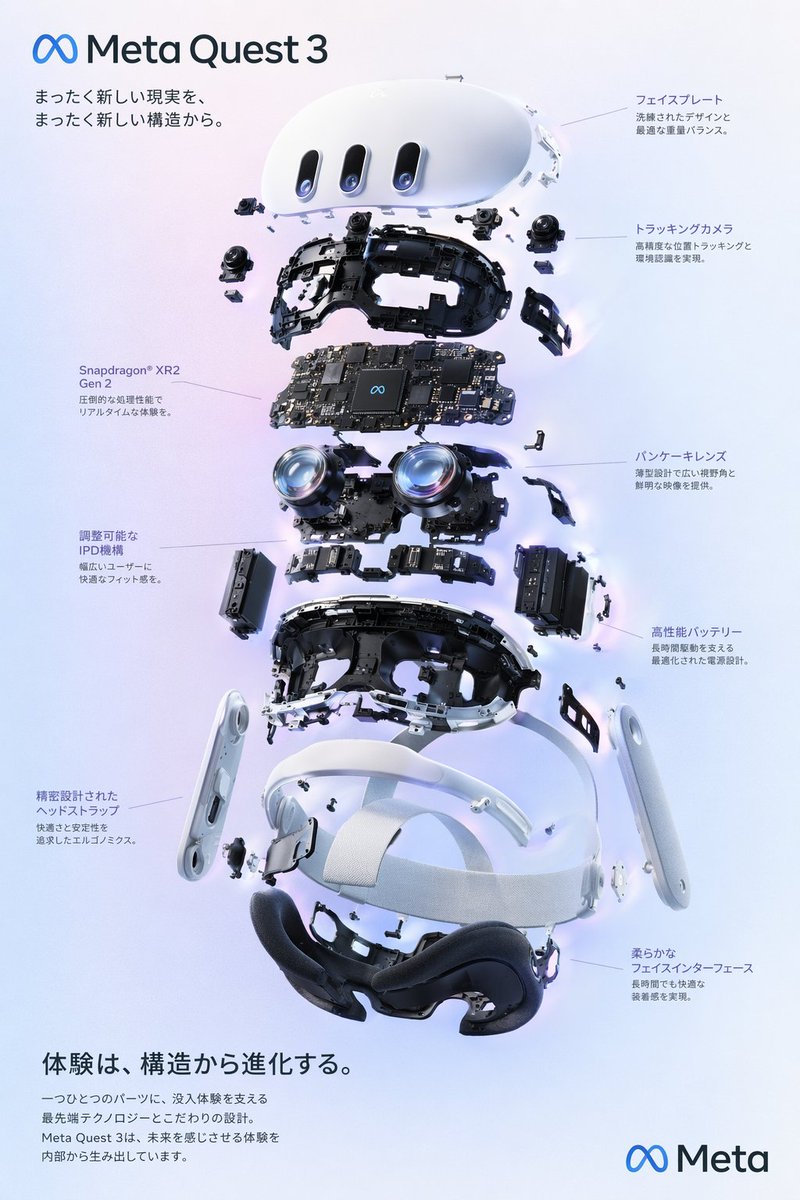
VR Headset Exploded View Poster
New launch unit feature breakdown poster
Frequently asked questions
Will the model render correct floor-plan ratios?
Approximately, not exactly. For exact-scale floor plans, use the AI-generated infographic as a stylised marketing asset and link it to the official spec sheet.
Can I use this for a development's entire site plan?
Yes. Provide a high-level rendering or sketch as input and the prompt will produce a stylised top-down site plan with annotated zones.
How do I add specific spec numbers reliably?
Embed the numbers in the bracketed placeholders explicitly. ChatGPT Image 2.0 renders text accurately for 1–2 lines per region but may break for dense paragraph blocks — keep label text concise.
Is this legal for new-launch developer materials?
Yes for agent-led marketing. For developer-approved materials there may be brand-guideline restrictions; check with the project marketing team before publishing.
Should I use AI infographic or a real architect-drawn floor plan?
Both. AI for top-of-funnel social and saves; architect-drawn plans for serious buyers in the qualification stage.