AI Prompts for Real Estate Listing Posters and Flyers
Printable posters and digital flyers — Tom Ford-style luxury ads, Vanity-Fair covers, retro propaganda posters, magazine treatments.
TL;DR: A listing poster has to do three things at once: stop the scroll, communicate price, and feel like the buyer's aspiration. These prompts deliver all three — bold editorial typography, dramatic lighting, and a layout that holds together at 1×1 (Instagram), 4×5 (carousel), or A3 (print). Every adaptation includes the masthead, headline, sub-line, price, and your contact details as explicit placeholders so the output is genuinely usable, not just decorative.
The psychology of a good listing poster
Buyers read a poster in three seconds. The hero image must convey the lifestyle, the headline must trigger curiosity ("Last 5 Units"), and the price line must qualify the audience. These prompts are written by the PostAI Editorial Team after studying 200+ luxury ads from brands like Yves Saint Laurent, Tom Ford, Hermès and Architectural Digest — the same visual grammar that sells $5M condos sells $500K HDB upgraders, just with different price tags.
How to design a listing poster with AI
- Pick a poster template that matches your buyer — luxury for high-end, retro for character properties, magazine cover for editorial campaigns.
- Decide your headline first. "Last 5 Units" pulls scarcity. "The Address That Speaks for Itself" pulls aspiration. The headline shapes the rest.
- Replace placeholders: project name, headline, sub-line, price, TOP date, your name and phone.
- Generate at 4:5 portrait first — most versatile across IG, FB and WhatsApp. Re-generate at A3 for print.
- Iterate on color and headline; keep the layout fixed. The same template, run with five different headlines, becomes your week's social plan.
All 14 prompts in this category
Each prompt below has its own page with the full realtor-adapted prompt, sample output, required inputs, and a copy button.
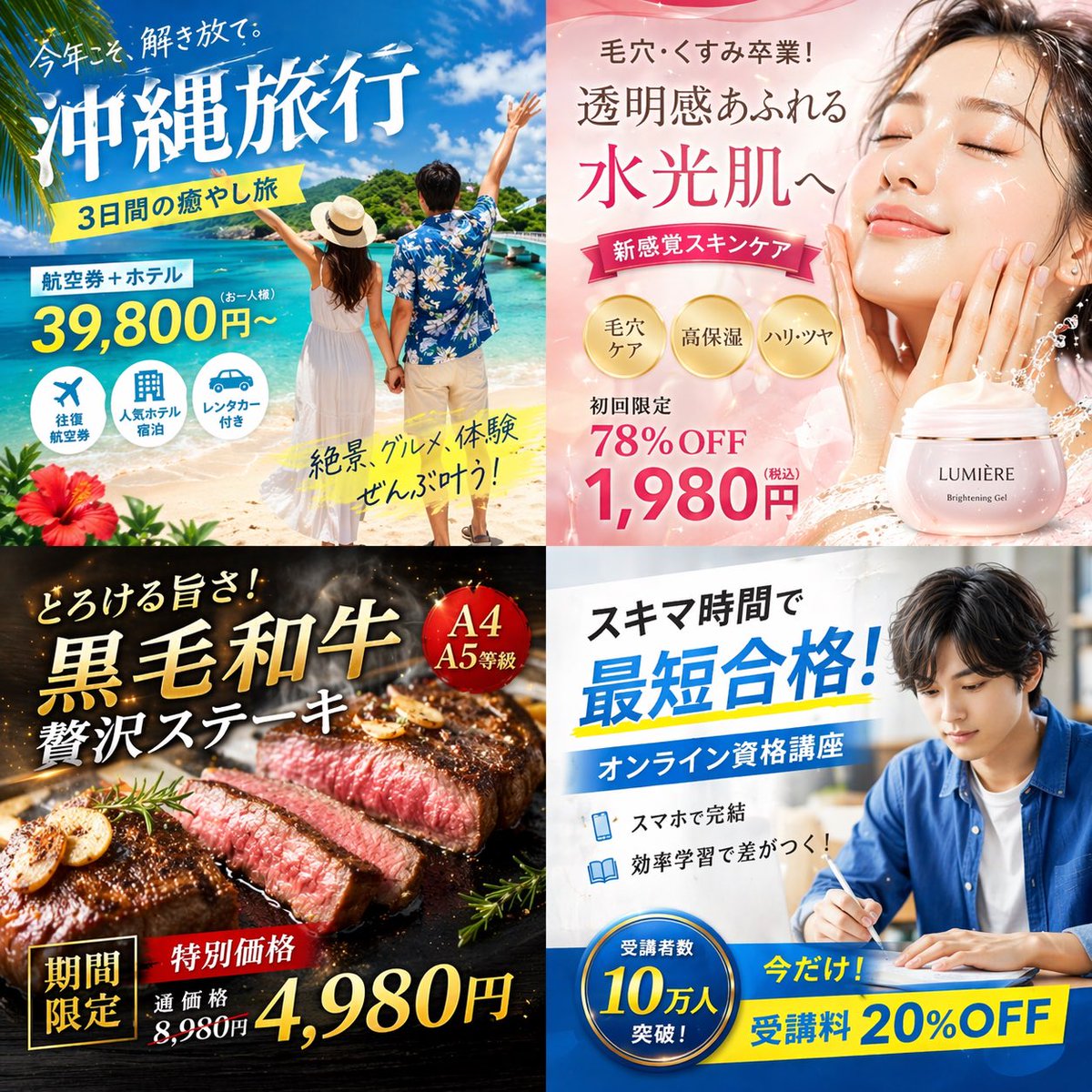
4-Panel Japanese Digital Ad Banner Grid
4-banner ad set for a single launch (different angles)
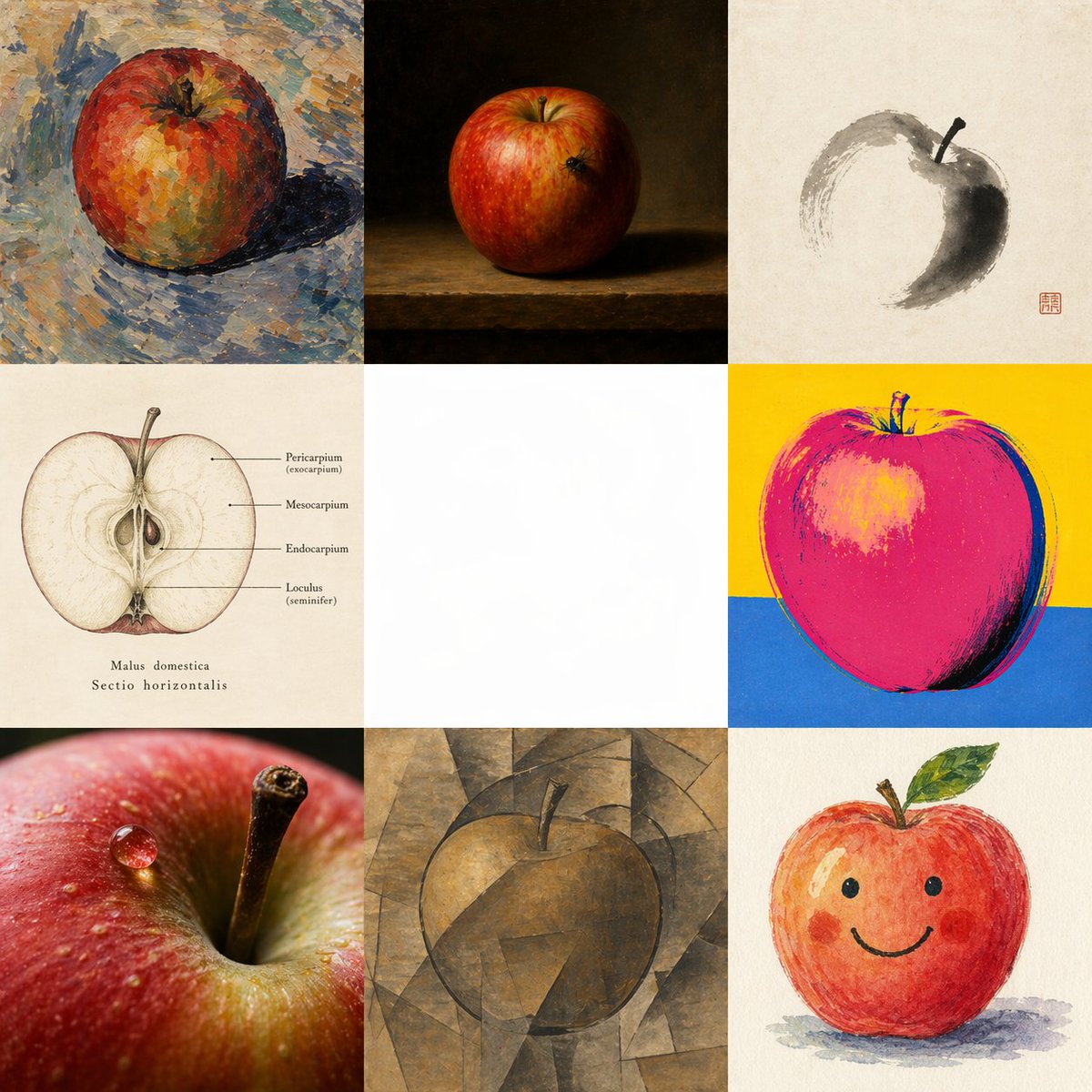
Apple in Eight Visual Grammars
Showcase one property in 8 different art styles for variety
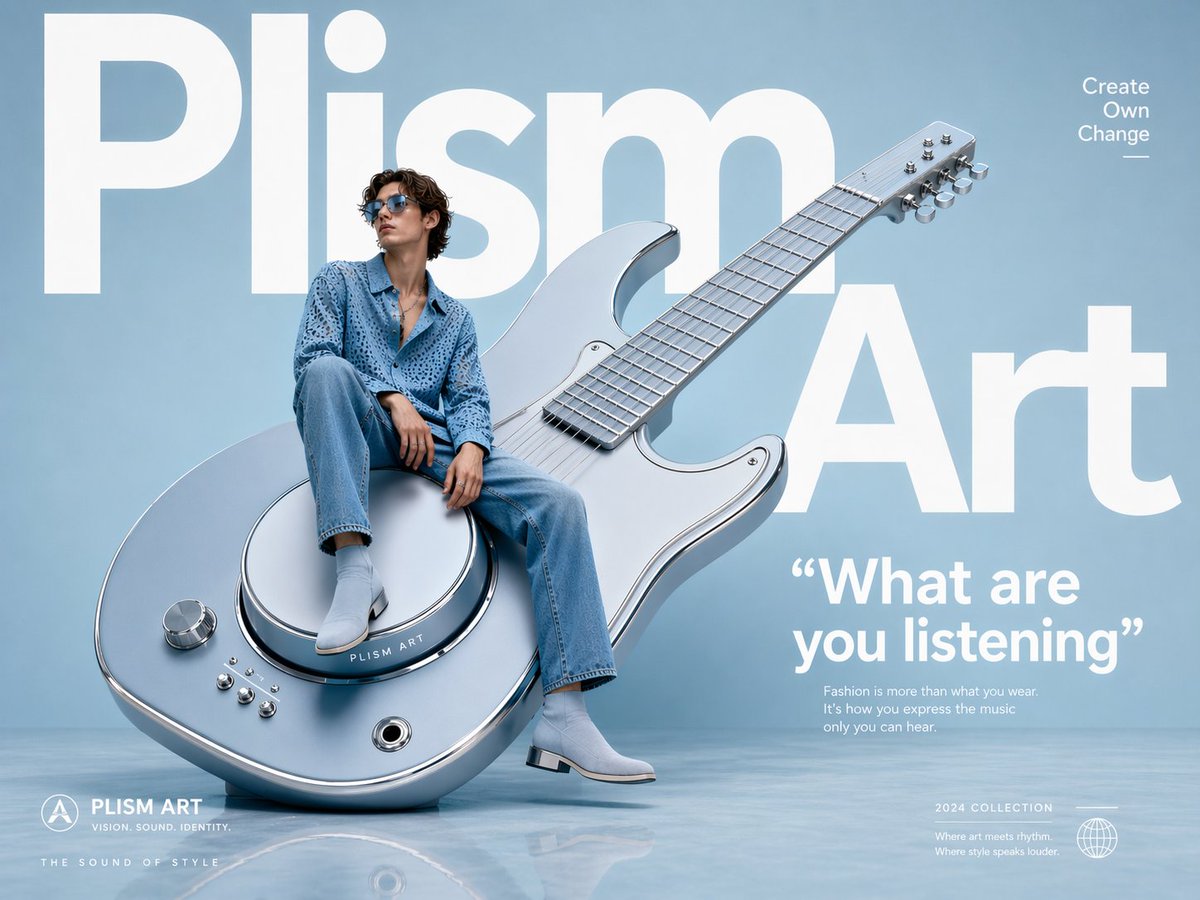
Avant-Garde Fashion Eyewear Ad
Bold, design-forward listing announcement

Chinese-Style City / District Poster
District / project hero poster for showroom display
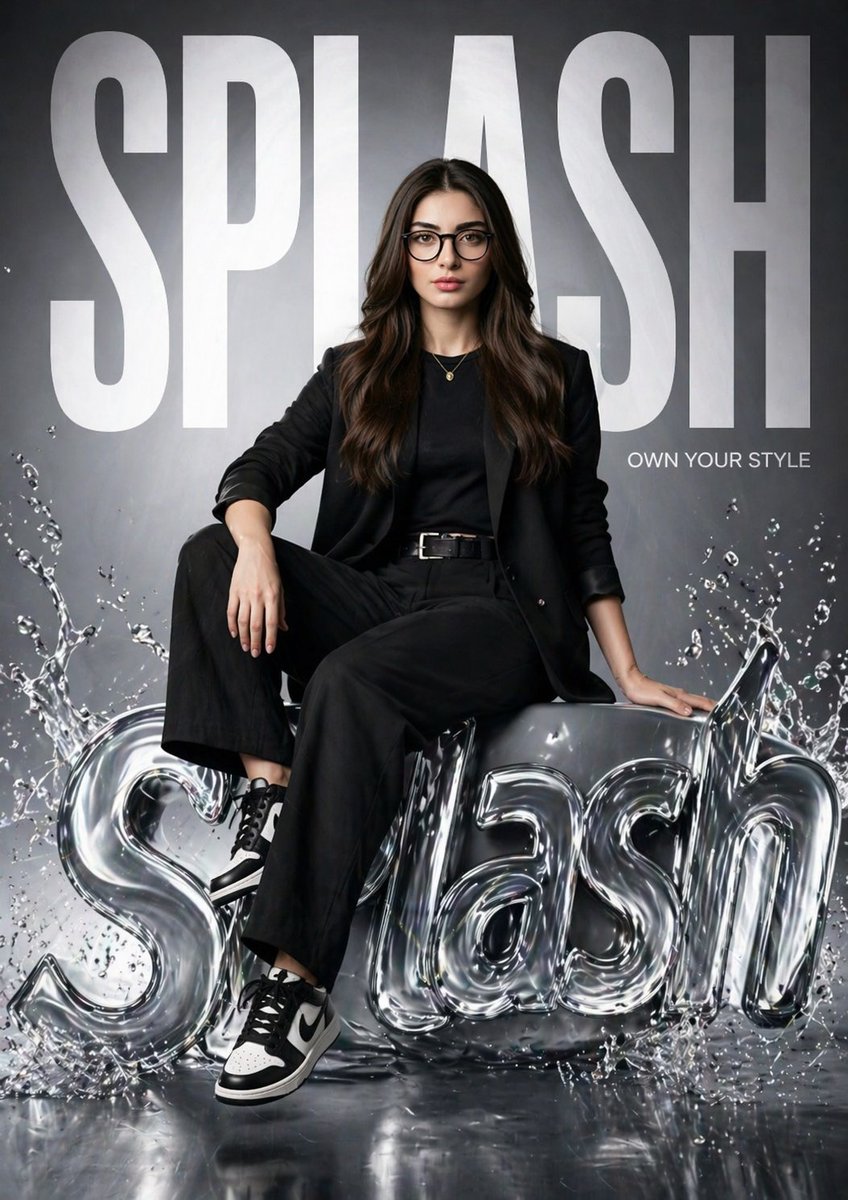
Hyper-realistic Fashion Poster
Premium agent personal-brand poster
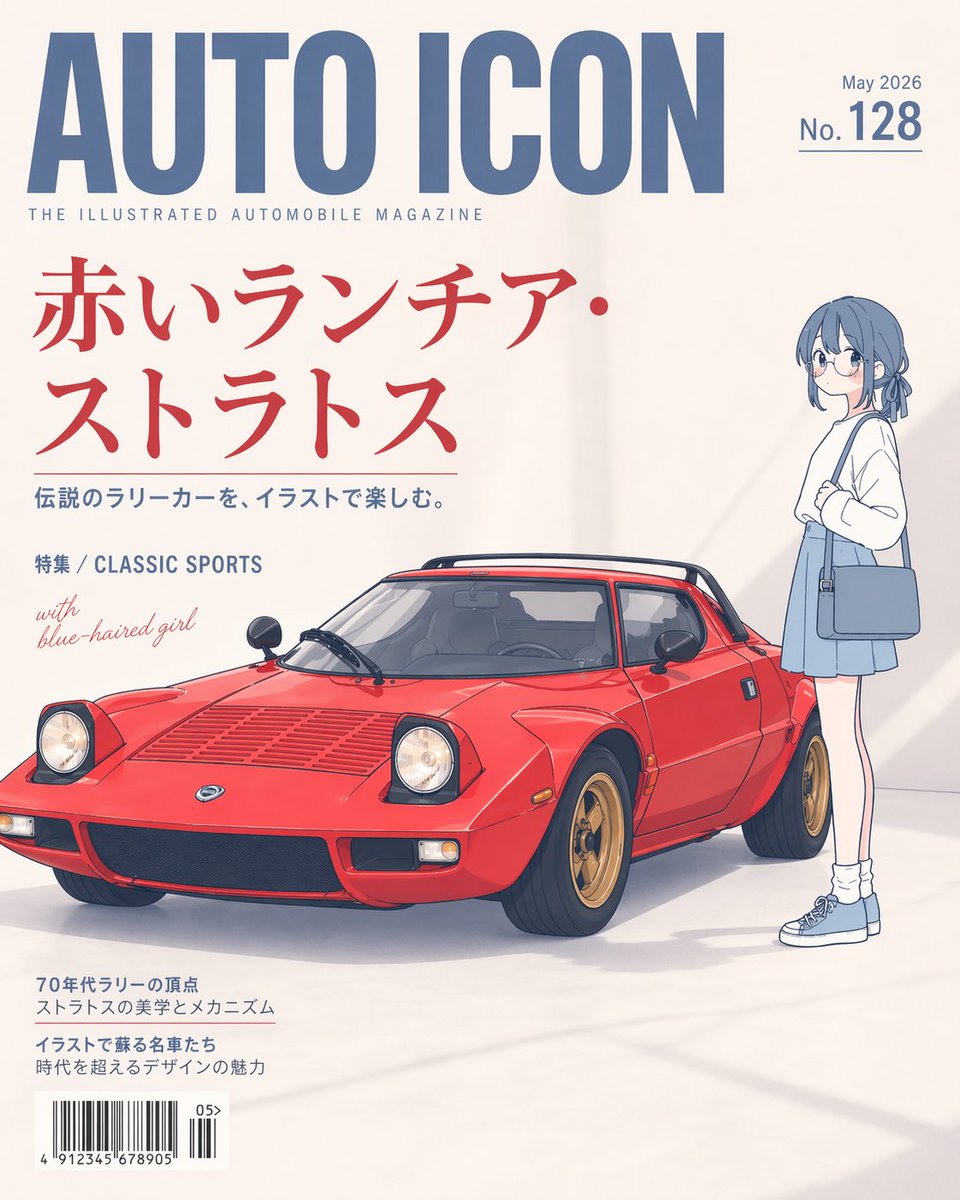
Illustrated Classic Car Magazine Cover
Magazine-cover-style premium listing card
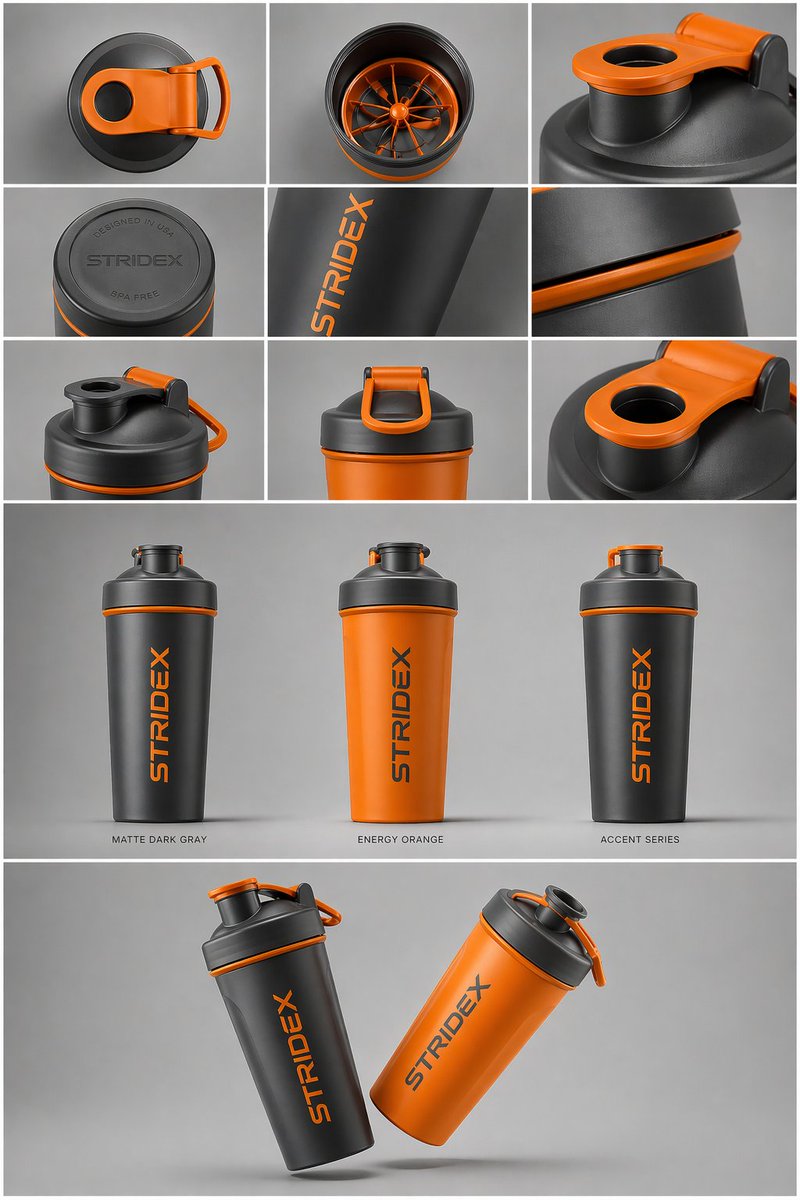
Industrial Design Presentation Sheet
Unit-type comparison sheet (1BR / 2BR / 3BR / 4BR side-by-side)
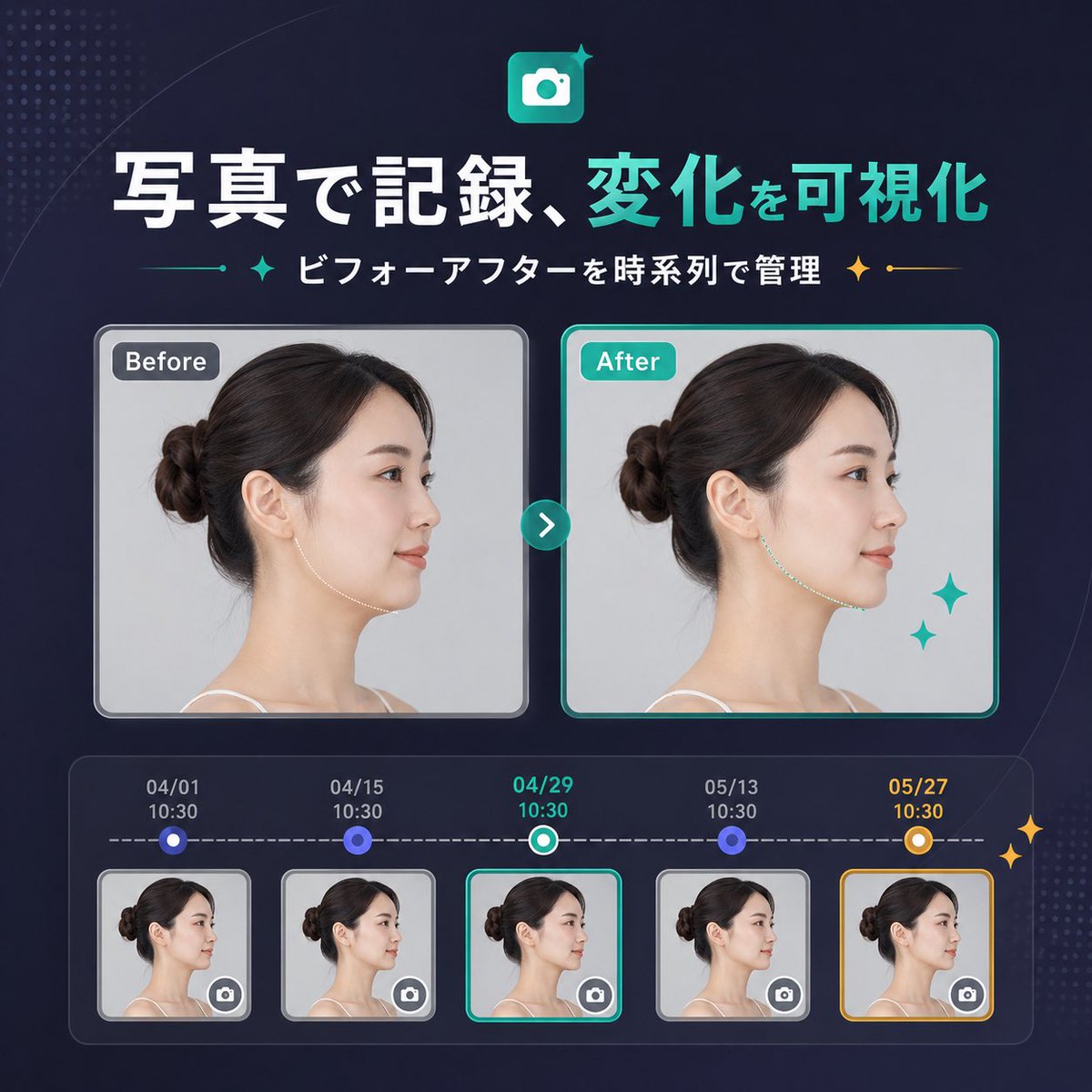
Japanese SaaS Before-After Banner
Renovation / staging before-and-after banner

Luxury Listing Magazine Cover
Luxury listing "feature" magazine-style cover
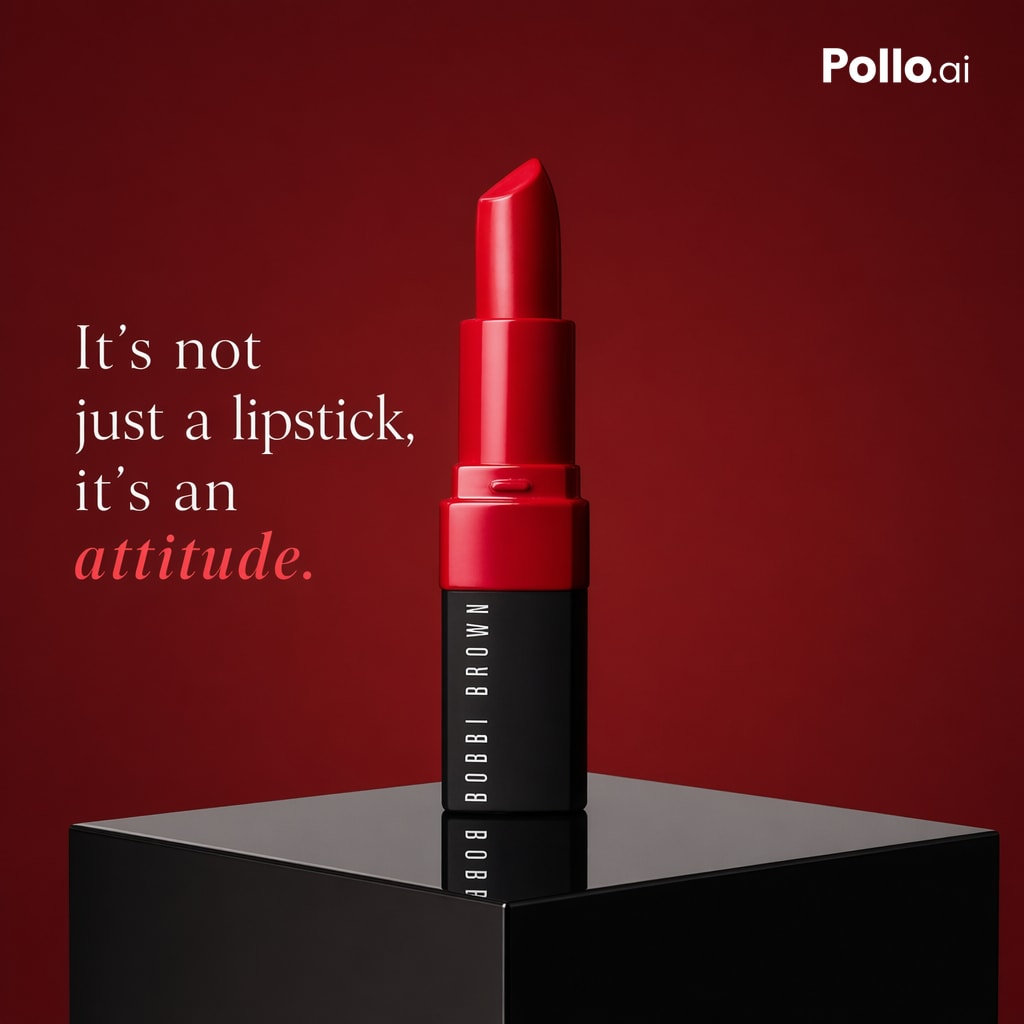
Luxury Red Lipstick Ad Poster
High-impact listing poster — limited units available
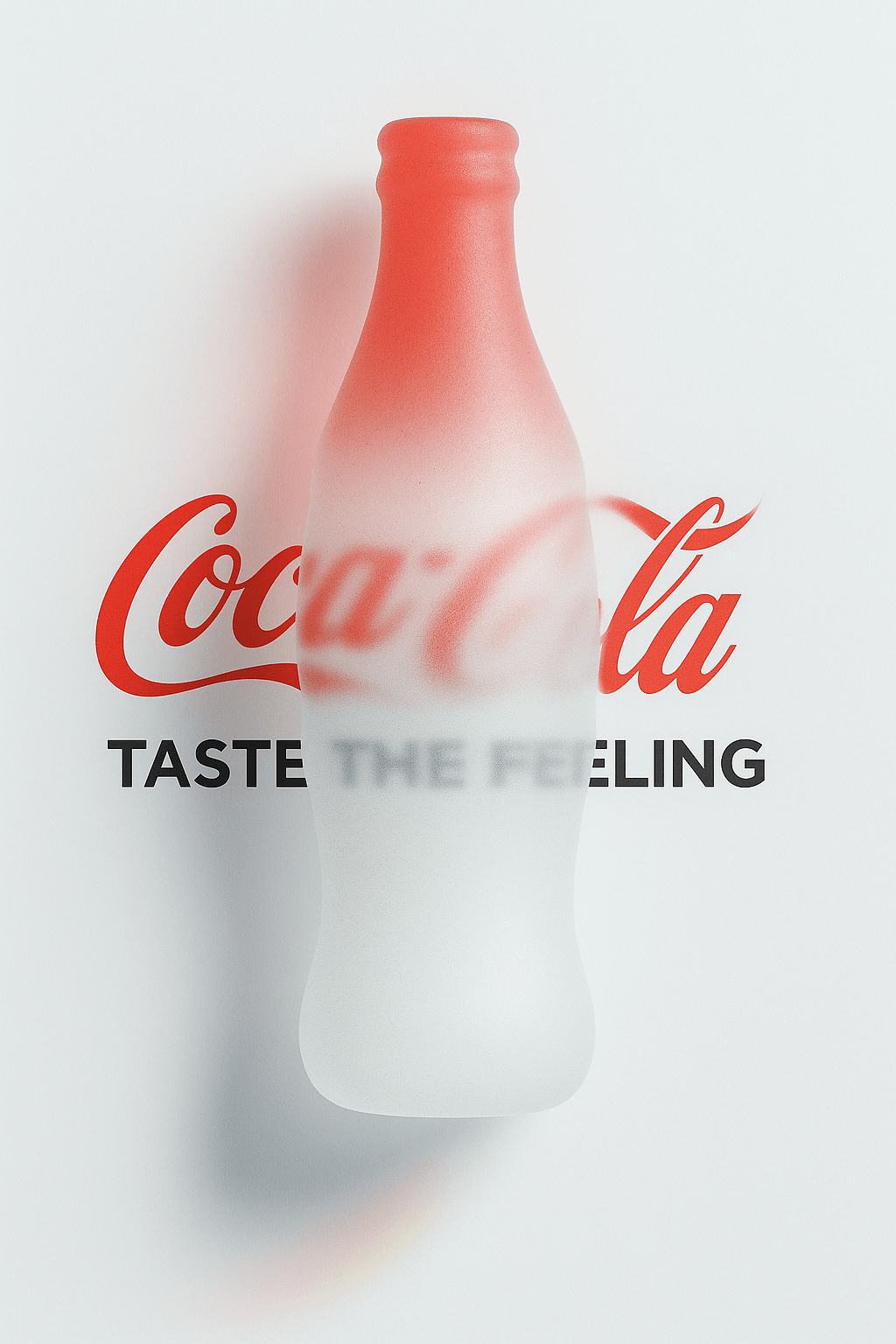
Minimalist Futurist Poster
High-design new-launch announcement poster

Premium Listing Product Ad
Luxury listing print poster

Property Presentation Cover
Sales-pitch presentation cover
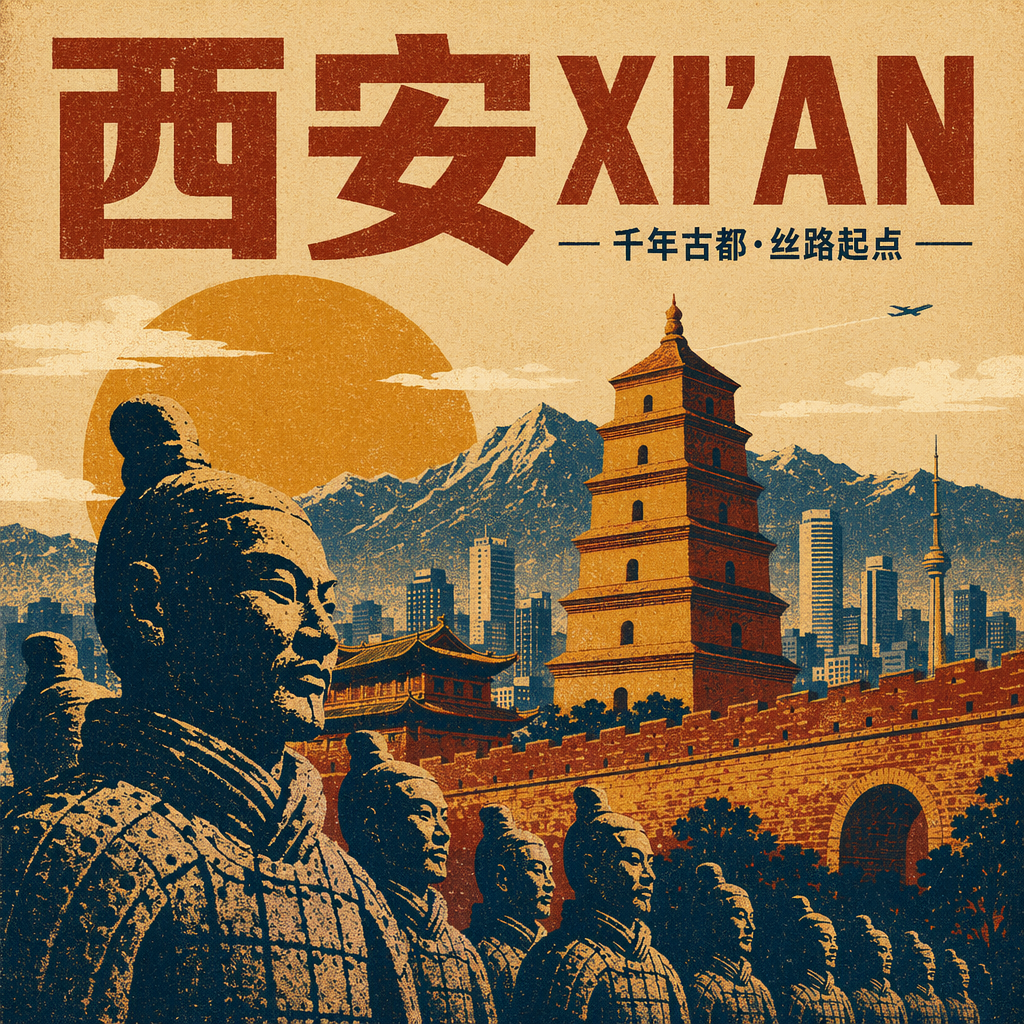
Retro Travel-Style District Poster
Heritage / character district poster
Frequently asked questions
Can I use my agency logo in the poster?
Yes — describe your logo in the placeholder ("[your agency logo: a navy circle with gold ‘PR’ monogram]"). For exact-match logos, generate the poster, then edit the logo in Canva or Photoshop.
Are these print-ready?
Yes for A4 and A3 print, given a high-resolution generation. For larger formats (A2+) generate twice and select the higher-resolution result, then upscale in Topaz or Photoshop if needed.
Can I produce a multi-language poster?
Yes — explicitly list both languages in the prompt ("bilingual headline in English and Mandarin"). Realtor adaptations for Singapore, Hong Kong and Malaysia regularly include this.
How do I keep the brand consistent across multiple posters?
Lock the color palette and typography style in the prompt and run it across listings. The realtor adaptations explicitly include "[your brand color]" placeholders for this reason.
What's the difference between a poster prompt and a video thumbnail prompt?
Posters target print and IG square / portrait. Thumbnails target 16:9 horizontal video covers (YouTube, IG / TikTok preview). The visual language is similar but composition and density differ.