AI Prompts for Real Estate Market Updates and District Visuals
Illustrated district maps, market-data dashboards, tilt-shift neighbourhood aerials, weather-forecast-style market summaries.
TL;DR: Market updates are the agent's thought-leadership move. They position you as the data person, not just the closer. These prompts produce rich, repostable visuals from the same URA / EdgeProp / your-local-MLS data you already track — without you needing a designer or a Tableau license.
Why a weekly market visual builds your pipeline
Buyers in the consideration phase follow data. Sellers in the consideration phase follow trends. A weekly market-update graphic — district price index, top transactions, hot launches — lands you in both audiences' feeds for free. Over six months, agents who post weekly market visuals see 30–60% more inbound DM volume than agents who post listings only. The prompts below make weekly publishing feasible.
How to publish a weekly market visual
- Choose your visual format: illustrated map (lifestyle), data dashboard (analytical), weather-forecast (fun), tilt-shift aerial (eye-catching).
- Pull your week's data: top 5 transactions, biggest YoY changes, new launches opening this week.
- Replace bracketed placeholders with the data points. Each adaptation accepts 8–10 data slots.
- Generate at 1:1 square (IG feed) or 4:5 portrait (LinkedIn) — both perform well for data graphics.
- Caption with a one-line takeaway and post the same time every week to build expectation.
All 10 prompts in this category
Each prompt below has its own page with the full realtor-adapted prompt, sample output, required inputs, and a copy button.

Aesthetic Monthly Market Calendar
Monthly market-update calendar for IG / LinkedIn

Illustrated City Food Map
Monthly district transaction hot-spots map (IG / LinkedIn)

Illustrated District Map
"Best of [district]" buyer guide map
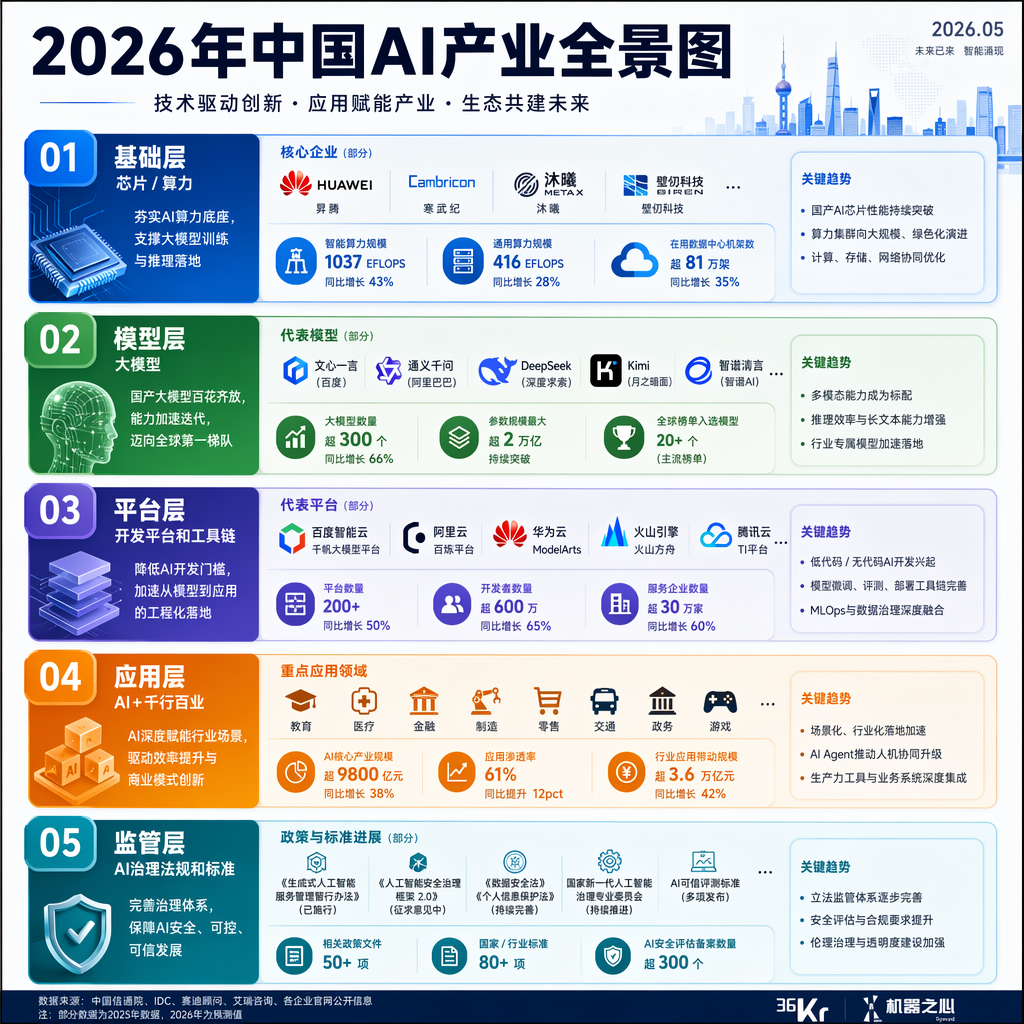
Industry Landscape Infographic
"[District] developers landscape" overview poster

LEGO-Style Cityscape / District Poster
Fun "LEGO version of [district]" share post
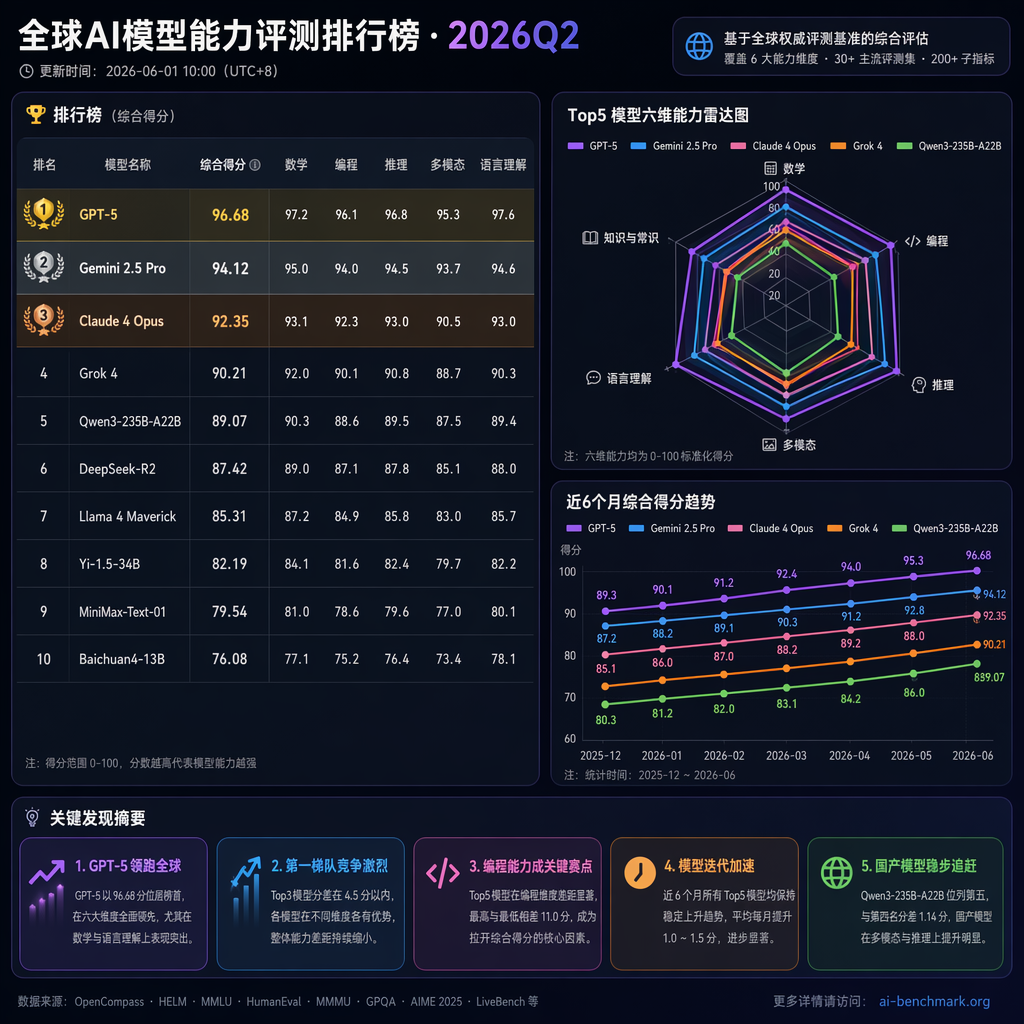
Market Data Dashboard
Quarterly market-data dashboard post

Neighborhood Diorama in a Toy Box
"Welcome to [district]" neighborhood marketing post
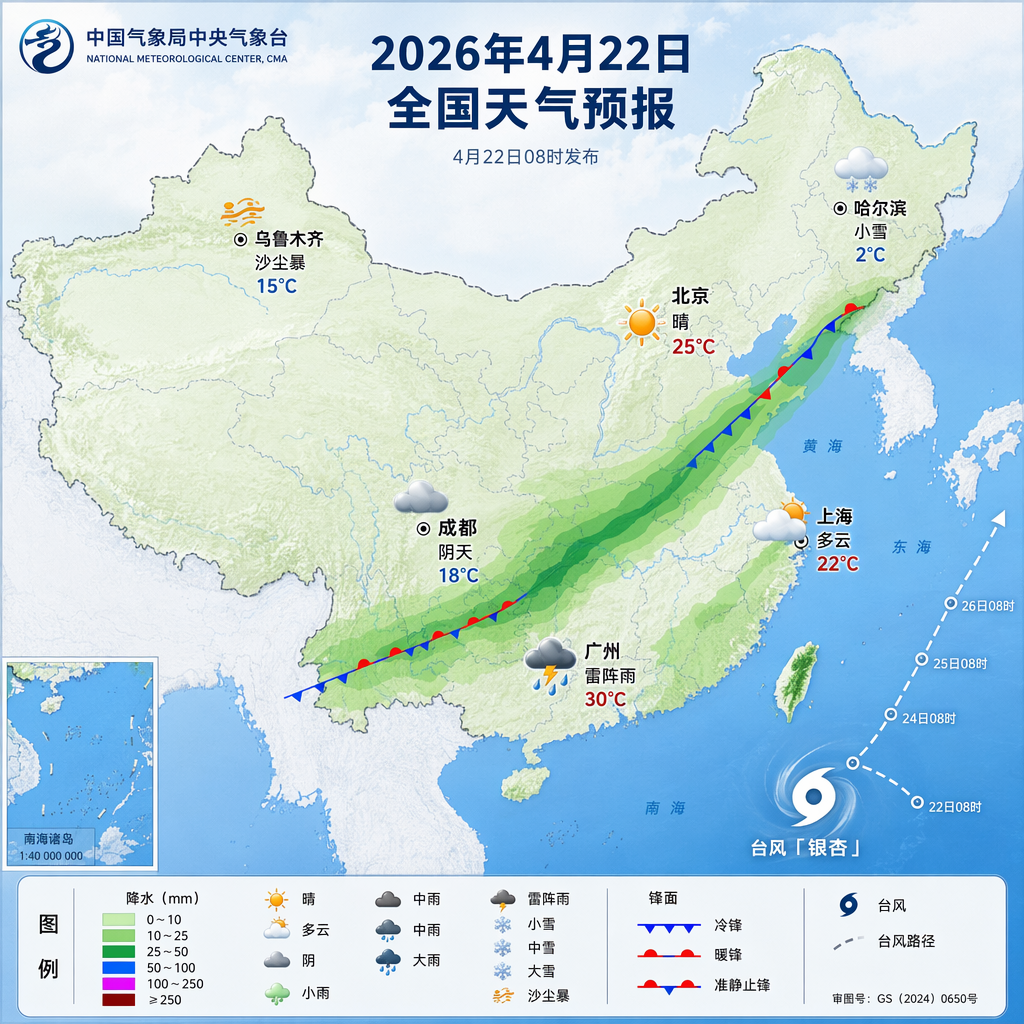
Property Market "Weather" Forecast
Monthly market forecast post

Vector Art Neighborhood Welcome Poster
"Welcome to [Neighborhood]" flyer or social cover

Vintage Chinese Food Map Poster
Quarterly / annual district transactions vintage map
Frequently asked questions
Where do I get the data?
URA Realis (Singapore), EdgeProp, PropertyGuru research, 99.co Singapore Ownership Index, Zillow Research (US), Domain Insights (Australia), or your local MLS aggregator.
Can I cite the data source on the graphic?
Yes — every adaptation includes a footer line for the source ("Data: URA · Compiled by [your name]"). Always credit the source for credibility.
How do I avoid making the graphic too dense?
Pick one number to be the hero (e.g., one big YoY %) and let supporting data live in smaller annotations. The prompts encode this hierarchy.
Should I show negative trends?
Yes. Buyers trust agents who report cooling markets honestly. Position negative trends as opportunities ("Q3 cooled 1.3% — good window for upgraders").
Can I publish the same graphic on LinkedIn and IG?
Yes, but vary the caption — LinkedIn rewards thought-leadership commentary, IG rewards a tight one-liner.