Virtual Staging for Retail Shop Listings in Singapore
A bare retail unit, whether in a mall, a HDB neighbourhood centre or a shophouse row, rarely sells itself in photos. Tenants and buyers need to picture their own trade inside it, from a clinic to a bubble tea counter. Here is how to stage retail space so that picture is realistic and honest.
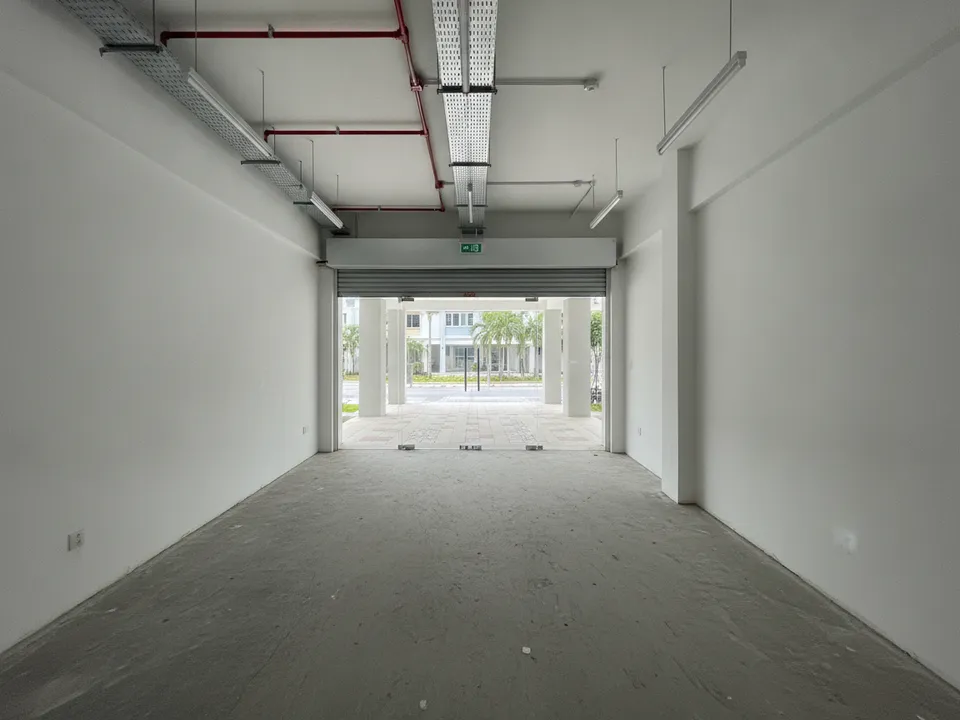
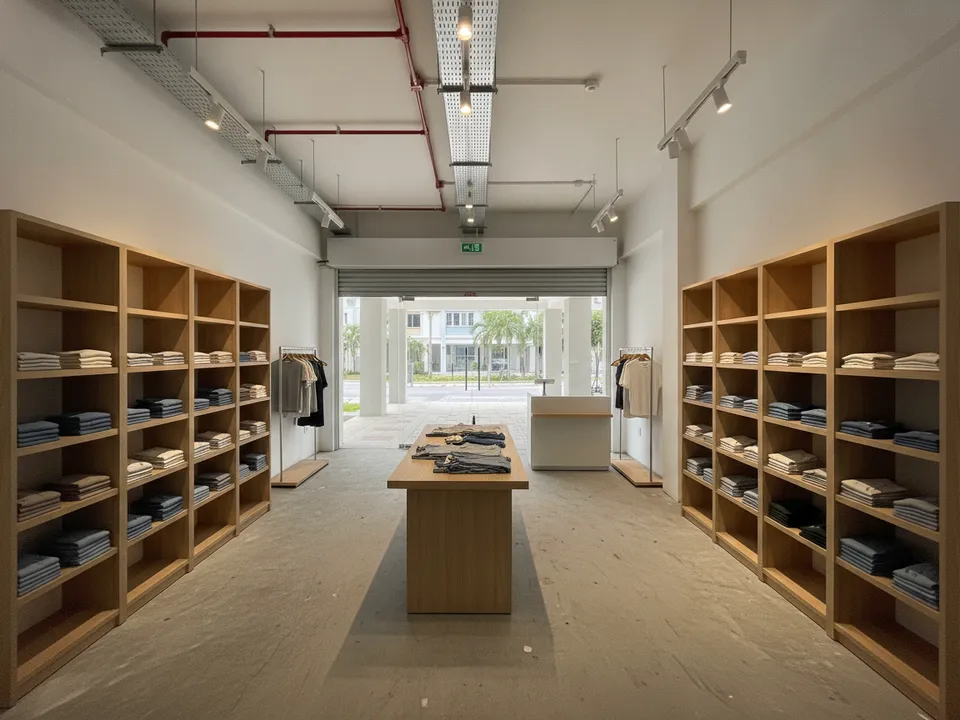
Bare retail unit staged as a small boutique with shelving and a counter Drag to compare. AI-generated example for illustration, not a real listing.
Who you are marketing to
Retail buyers are mainly investors looking for rental income and business owners wanting to own their premises. Tenants are often small operators: a tuition centre, a salon, a minimart, a clinic or a food kiosk. Each will look at frontage, depth, signage area and footfall before anything else.
Staging should help one or two likely trades see how they would use the unit, matched to what the unit is allowed to be used for.
What to stage first
One trade per image set works better than trying to show every possible use. Pick the most likely tenant for the location.
- Shopfront view from the walkway: the cover, showing how the shop looks to passers-by
- Main sales floor from the back: shelving or treatment beds, depending on the trade
- Counter area near the entrance: a simple cashier counter as a fit-out concept
- Back room or storage: shown clean and unstaged
Retail layout quirks
Units in HDB neighbourhood centres often have a deep plan with a narrow frontage, a roller shutter and a back door to a service corridor. Mall units may have a glass shopfront, a bulkhead for signage and bare cement floors after the last tenant's reinstatement. Some uses, such as F&B, need specific approvals and facilities like grease traps and exhaust.
Stage for a trade the unit can realistically support. A unit without F&B approval should not be staged as a cafe; stage it as retail, a service shop or an education centre instead.
How to stage retail with PostAI
Shoot one photo from outside the shopfront and one from the back wall looking out. In PostAI's AI Image Studio, each staged photo is one credit, about S$1.50, and the 6 free credits for new users are enough to show two versions of the same shop for different trades.
Labelling commercial staging
Counters, shelving fixed to walls and signage are fit-out works, so label any image that shows them as 'Virtually staged – fit-out concept' and keep the bare original alongside. Never alter the frontage width, ceiling height or the view of the corridor. Portal rules differ, and PropertyGuru requires interior photos to show the real condition, so check before using staged images as listing photos, and use labelled versions in your social posts and video tours.
Stage your own listing photos free
New PostAI accounts get 6 free credits: that is 6 staged photos, no credit card.
Stage 6 photos free See real resultsQuestions agents ask
Can I stage a retail unit as a restaurant?
Only if it is approved for F&B or can realistically get approval. Otherwise, stage it for a permitted trade.
Is a shop counter considered staging or fit-out?
A built-in counter is a fit-out concept. Label it as such in the caption.
Should I stage two different trades?
If the location suits two types of tenant, two labelled versions of the same photo can help. Keep each set consistent.
Can I add signage to the shopfront?
Keep the image free of text and brand names. A generic, blank signboard area is clearer and avoids confusion.
Related
virtual-staging/retail-shop · v1 · Book a free Zoom walkthrough