Virtual Staging for a Bare Commercial Unit: Show a Fitted-Out Office
Bare commercial units, with carpet tiles, exposed ceilings or raw floors, are hard for business owners to picture as their office. They want to know how many people fit, where meeting rooms go and how it will look to clients. Staging a realistic fit-out answers those questions before the first viewing.
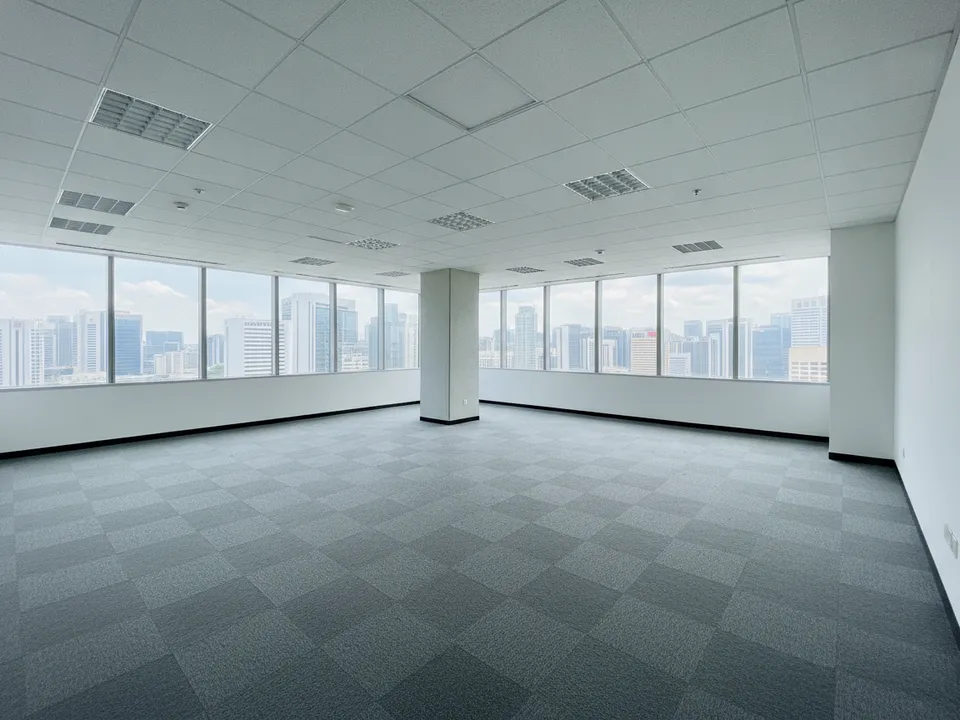
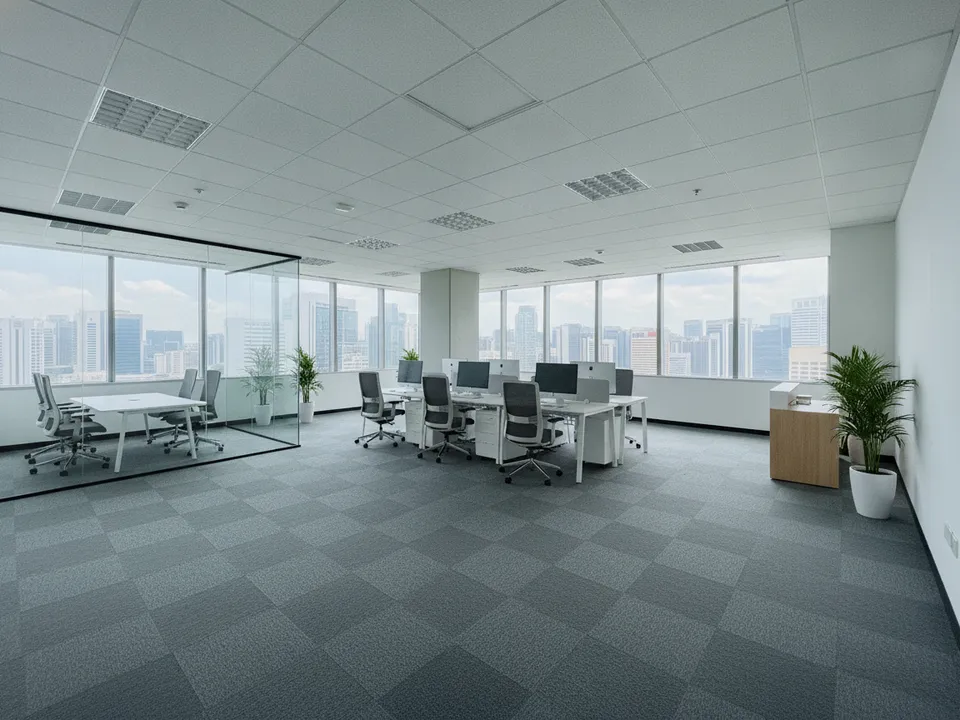
A bare office unit with carpet tiles, staged as a fitted-out small office Drag to compare. AI-generated example for illustration, not a real listing.
Why bare offices are hard to lease from photos
Commercial tenants, from small firms in the CBD and Tanjong Pagar to companies looking at business parks and B1 units, usually shortlist online. A photo of an empty carpeted space with ceiling grids tells them almost nothing about capacity or image.
Decision-makers are also busy, and often more than one person must agree. A staged image they can forward to a partner or boss moves the conversation along faster than a list of square feet.
Stage for the likely tenant
- Small professional firm: a reception counter, a glass meeting room and 8 to 12 workstations
- Creative or tech team: open benching, a pantry corner and a lounge area
- Clinic or training use: only if zoning and approvals allow, and say so
- B1 or industrial office: a clean front office with the work area left real
Keep capacity realistic
The most useful thing the staged photo does is show capacity, so make it honest. Use standard workstation sizes with walking space, and keep fire exits, columns and the existing ceiling visible. If the photo suggests 20 seats, the space should really fit 20 people comfortably.
Do not stage partitions as if they exist. Caption the image as an illustrative fit-out, with the tenant responsible for actual works, unless the landlord is providing them.
Staging the office with PostAI
Photograph the unit from a corner with all lights on and blinds open. In PostAI's AI Image Studio, choose virtual staging and describe the office type. One credit per image, and a new account includes 6 free credits, enough to stage the main space from two angles and the reception area.
Label staged images, include the bare photo, and do not change windows, views or the floor area. Portals such as PropertyGuru expect photos to show actual condition, so check their commercial listing rules first. In brochures, LinkedIn posts and email shortlists, a labelled fit-out image is a strong selling tool.
Stage your own listing photos free
New PostAI accounts get 6 free credits: that is 6 staged photos, no credit card.
Stage 6 photos free See real resultsQuestions agents ask
Can I show partitions that do not exist?
Only as a clearly labelled illustrative fit-out. State that the tenant or landlord would need to carry out the works.
How many workstations should I show?
Show a realistic number with comfortable walking space; overcrowding the image misleads tenants about capacity.
Does staging work for B1 industrial units?
Yes, mainly for the office portion. Keep the production or warehouse area as photographed.
Is the cost different for commercial photos?
No. With PostAI each photo is one credit, about S$1.50, whatever the property type.
Related
virtual-staging/commercial-fit-out · v1 · Book a free Zoom walkthrough