Virtual Staging Checklist for Every New Listing
When you are juggling viewings, offers and paperwork, steps get skipped: a room not shot, a photo not labelled, an original lost. This checklist runs from the listing appointment to posting, so every staged listing goes out complete and honest. Save it and use it for each new unit.
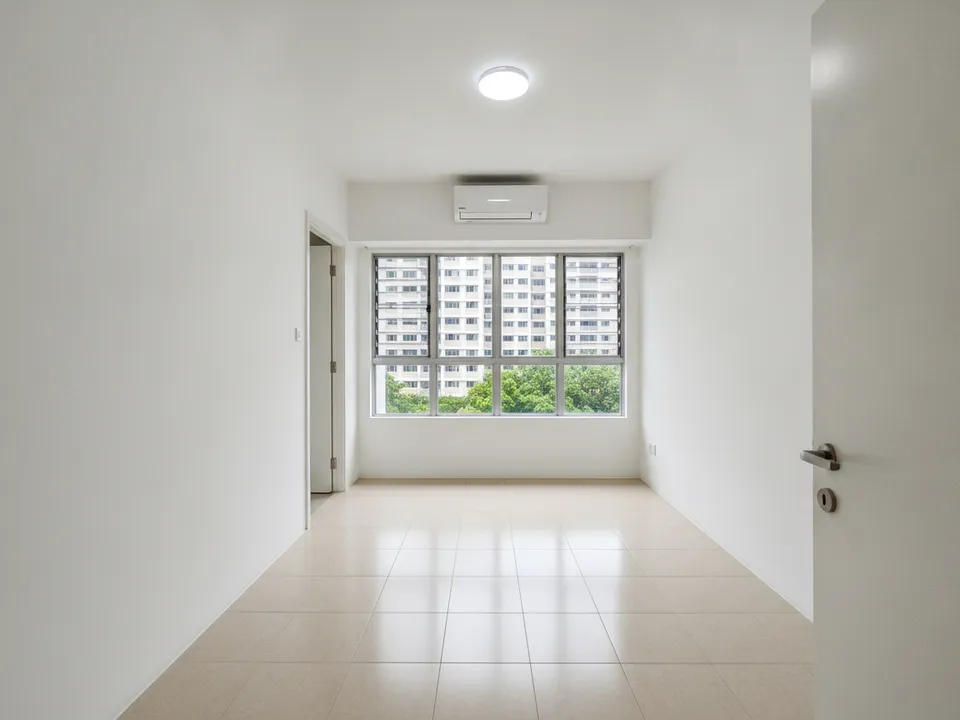
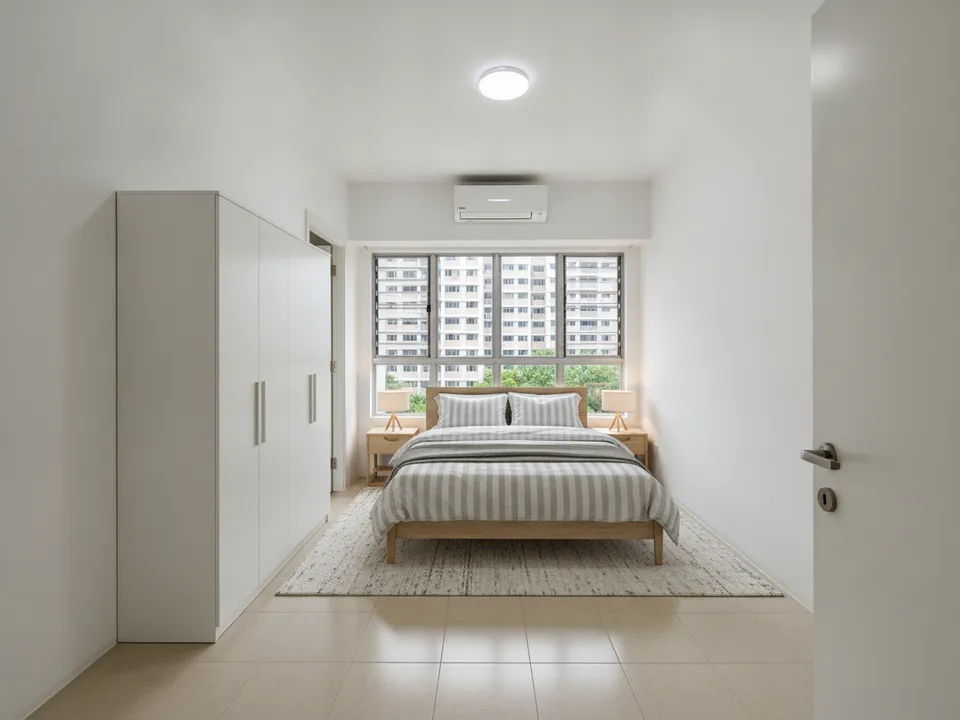
Empty HDB 4-room master bedroom, staged after passing the checklist's quality checks Drag to compare. AI-generated example for illustration, not a real listing.
Before the shoot
- Get the owner's written go-ahead for photography, editing and marketing channels
- If tenanted, give the tenant notice and agree a time under the tenancy terms
- Check the unit's facing and book the shoot for the best natural light
- Ask for the floor plan the owner received
- Ask the owner which furniture, if any, comes with the sale
At the shoot
- Open all curtains, turn on every light, switch off TVs
- Shoot each room from a corner or doorway at eye level, landscape and portrait
- Use 1x for large rooms; 0.5x only for tight spaces like bathrooms and service yards
- Photograph the view, balcony, household shelter, service yard and facilities
- Note any defects so they are disclosed, not edited out
Choose what to edit
Stage empty rooms, declutter lived-in ones, and do both where furniture is poor. Prioritise the cover room, then the master bedroom, then whichever room is the unit's selling point. Correct wide-angle distortion before staging, and render the 2D floor plan in 3D if the layout is hard to read.
Quality check every staged photo
- Walls, windows, floor, ceiling and view unchanged
- Furniture at realistic Singapore scale; check against the door
- No defects hidden under rugs, plants or furniture
- Style fits the likely buyer
- "Virtually staged" label on the image; original kept in the set
Publish and keep records
Use real or corrected photos as the portal set, since PropertyGuru requires interior photos to show actual condition; check every portal's current rules. Use labelled staged images in social posts, brochures, WhatsApp and tour videos. Mention virtual staging in the listing description, and keep originals and edited versions in one folder per listing in case questions come up, given CEA's expectation that advertising is not misleading.
PostAI's AI Image Studio covers staging, decluttering, wide-angle correction, floor plan to 3D and collage covers at 1 credit (about S$1.50) per photo, with 6 free credits for new accounts.
Stage your own listing photos free
New PostAI accounts get 6 free credits: that is 6 staged photos, no credit card.
Stage 6 photos free See real resultsQuestions agents ask
Which rooms should I always stage?
The cover room, usually the living room, and the master bedroom. Add other rooms if they are empty or carry the unit's main selling point.
How long should I keep original photos?
Keep them with the edited versions at least until the transaction is complete, so you can show what the unit looked like if asked.
Do I need to mention staging in the listing text?
Yes. Say which images are virtually staged and that furniture is not included, unless it is.
Related
virtual-staging/staging-checklist · v1 · Book a free Zoom walkthrough