Virtual Staging for HDB 5-room Listings in Singapore
A HDB 5-room flat, about 110 sqm, is often the biggest home a family can buy without leaving HDB. Buyers pay a premium for space, so your photos have to make that extra floor area obvious. This page shows which rooms to stage, how to handle 5-room layouts, and what to keep honest.
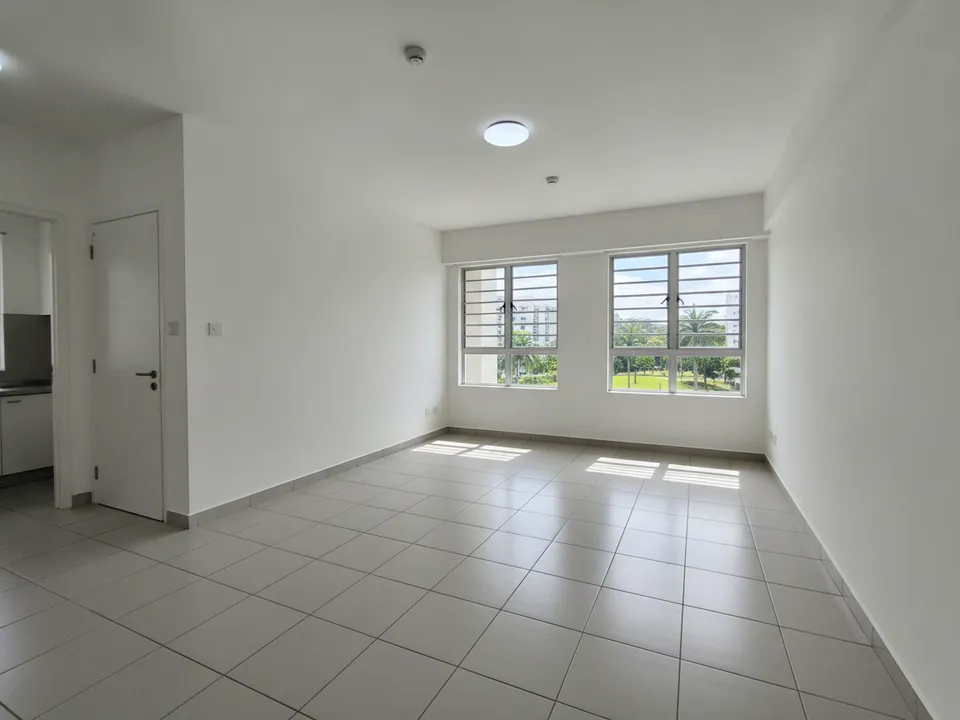
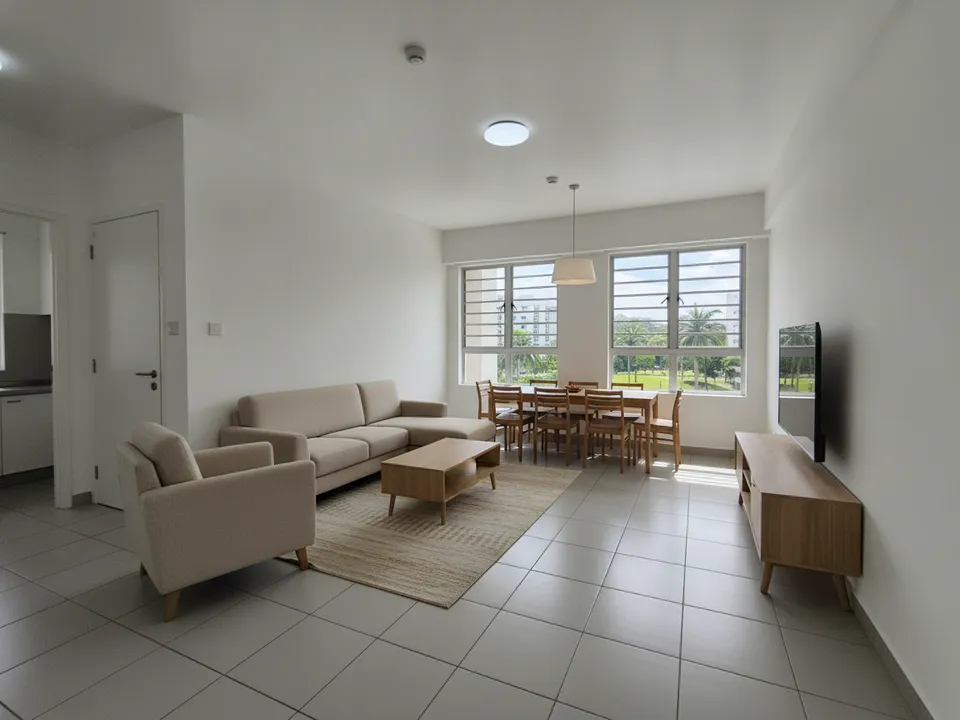
Empty HDB 5-room living and dining space staged for a multi-generational family Drag to compare. AI-generated example for illustration, not a real listing.
What 5-room buyers are paying for
Buyers are usually larger families, multi-generational households or couples who work from home. The extra space over a 4-room is the reason they are looking, so they want to see a living room that seats a family, a dining area for six, and a room that can become a study or a helper's room.
An empty 5-room can look vast but cold; a cluttered one hides the space entirely. Staging shows the room at a size buyers can understand.
What to stage first
Leave the kitchen and bathrooms unstaged and simply clean. Buyers of larger flats look closely at their condition and will want to see them as they are.
- Living room: a large sofa and armchair to show it can seat the whole family
- Dining area: a six to eight-seater table, since this is where 5-room flats beat 4-room flats
- Study or fourth room: stage as a home office with a desk and shelves
- Master bedroom: king bed and a reading chair to show the extra room
5-room layout quirks
Many older 5-room flats have a separate dining room and a long corridor. Some have been renovated to combine a bedroom with the living area; in that case, stage the existing layout, not the original one. Newer 5-room flats tend to have an open living-dining space with a household shelter and service yard off the kitchen.
In open layouts, place a rug and sofa to define the living zone and position the dining table under the light point so the space looks planned. In long layouts, shoot along the length and stage both ends so the depth is visible.
Staging and disclosure
With PostAI's AI Image Studio you can stage a 5-room listing from phone photos in minutes. Each photo uses one credit, about S$1.50, and new accounts get 6 free credits, enough for the living room, dining area, study and master bedroom with two to spare. Physical staging for a flat this size typically costs thousands of dollars.
Mark each staged image 'Virtually staged', show the original alongside, and never change the walls, windows or view. PropertyGuru expects interior listing photos to reflect the actual condition, so check before using staged images there; for social media and video tours, clearly labelled staged photos are appropriate.
Stage your own listing photos free
New PostAI accounts get 6 free credits: that is 6 staged photos, no credit card.
Stage 6 photos free See real resultsQuestions agents ask
Is a 5-room flat too big to need staging?
No. Large empty rooms are hard to judge in photos, and staging gives buyers a sense of scale and use.
What if the owner combined two rooms?
Stage the layout as it is now and describe the change in the listing. Do not stage the original layout, since that is not what the buyer gets.
Should I stage the household shelter?
No. Show it as it is; buyers already know it works as a storeroom.
How do I show a helper's room?
If a room is suitable, stage it simply with a single bed and storage so families see the option.
Related
virtual-staging/hdb-5-room · v1 · Book a free Zoom walkthrough