Collage Covers for Listing Portals and Social Posts
One cover photo can only show one room. A collage cover shows the living room, kitchen and master bedroom in a single thumbnail, which helps when no single room tells the whole story. This guide covers when to use a collage, how to lay it out, and where it is and is not appropriate.
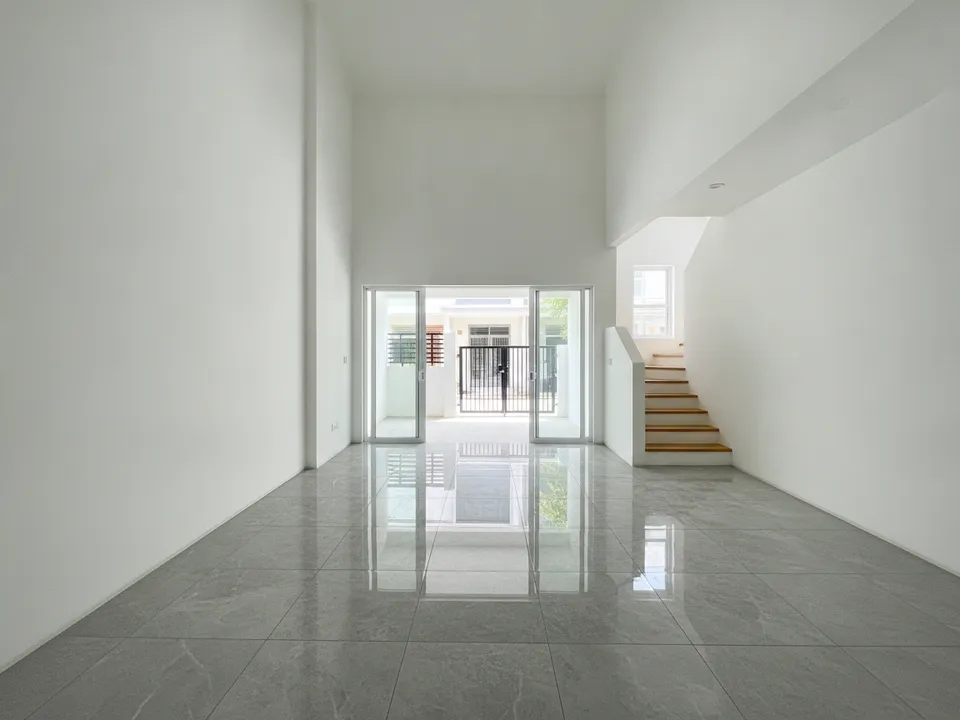
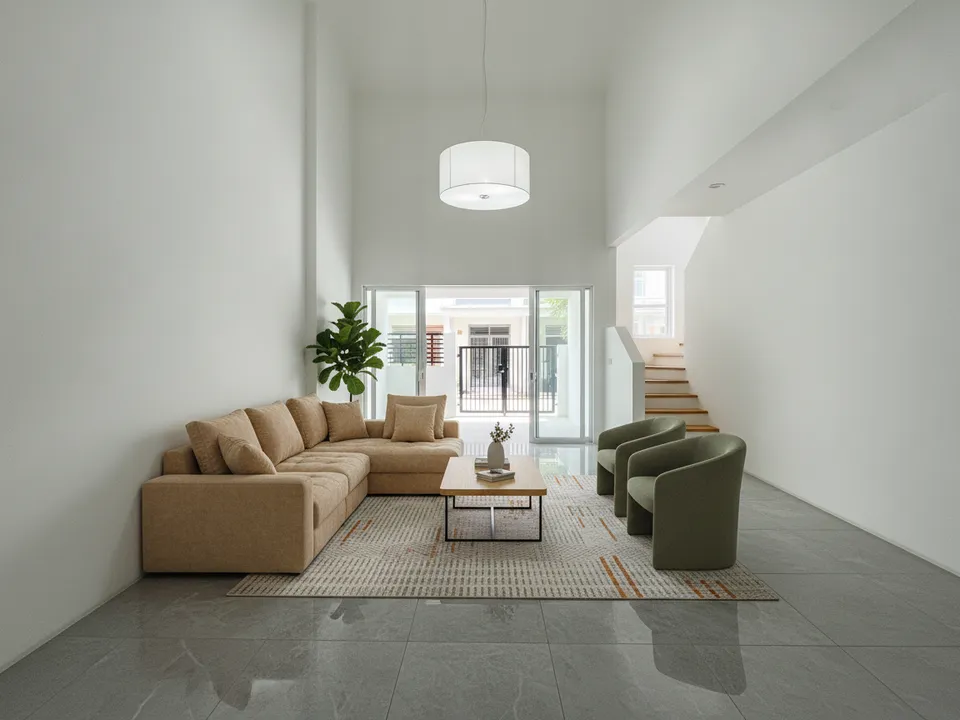
Empty landed terrace living room staged as the hero tile of a three-photo collage cover Drag to compare. AI-generated example for illustration, not a real listing.
When a collage beats a single photo
- The unit's selling points are spread across rooms, such as a renovated kitchen plus a big balcony
- No single room photographs well on its own
- Landed homes, where garden, living room and rooftop all matter
- Social posts and WhatsApp broadcasts, where one image must carry the listing
- Rental listings, where tenants want to see the bedroom and kitchen at once
Layouts that read at thumbnail size
Use three or four images at most. A large hero image with two smaller ones beside or below it reads well on phones; a grid of six tiny photos does not. Put the strongest room in the hero slot, keep consistent brightness and colour across the tiles, and leave thin even gaps between them. Avoid heavy text on the image; let the listing title do that job.
Choose the rooms for the buyer
Families look for the living room, a kid-sized bedroom and the kitchen. Investors and expat tenants look for the living room, master bedroom and condo facilities. Downsizers look for the living room, an accessible bathroom and the view. Match the tiles to the likely buyer.
Mixing staged and real photos
If any tile is virtually staged, label that tile "Virtually staged", not just the collage as a whole. Do not combine rooms from different units, and do not use a facility photo that is not from this development. PropertyGuru requires interior photos to show the actual condition, and portals have their own rules on covers and collages, so check before uploading. On social posts, brochures and videos, labelled collages are fine.
Making the collage
PostAI's AI Image Studio has a collage cover tool alongside staging, so you can stage the empty rooms and combine them into one cover. Each photo is 1 credit (about S$1.50), and new accounts get 6 free credits.
Stage your own listing photos free
New PostAI accounts get 6 free credits: that is 6 staged photos, no credit card.
Stage 6 photos free See real resultsQuestions agents ask
Do portals allow collage covers?
Rules differ by portal and change over time, so check each portal's current photo guidelines before using a collage as the cover.
How many photos should a collage have?
Three or four. More than that becomes unreadable at thumbnail size on a phone.
Can a collage include facility photos?
Yes, if they are of this development. Label any staged tiles clearly.
Should the collage match the video thumbnail?
It helps. Using the same hero room on the collage and as the first frame of your tour video makes the listing easy to recognise across channels.
Related
virtual-staging/collage-cover · v1 · Book a free Zoom walkthrough