Handwritten Welcome Note / Property Guide — Real Estate AI Prompt
TL;DR: A handwritten study-note style page — feels personal and authentic. Repurpose as a "buyer's notebook" or thank-you note image. Use this ChatGPT Image 2.0 prompt to handwritten "thank-you for viewing" image to send post-viewing. Replace the bracketed inputs with your details, paste into ChatGPT, and download the result.
Good for
- Handwritten "thank-you for viewing" image to send post-viewing
- Personal touch agent IG/WeChat post
- "My buyer's guide notes" carousel
What you need
- What you want to write (buyer guide tips, project facts, thank-you message)
- Your name + signature feel
The realtor-adapted prompt
Copy the prompt below, paste it into ChatGPT (with image generation enabled), and replace each [your X] placeholder with your real details.
生成一张手写笔记风格的图片,A4 米白色横线笔记本纸,垂直竖版。手写风格的钢笔字(黑色),自然字迹。主标题「[your title, 例如 给买家的一封信]」加下划线。下方分3-5段手写内容:[your message paragraph 1]、[your message paragraph 2]、[your message paragraph 3]。配几个手绘小图:房子、钥匙、爱心、笑脸。右下角手写签名「[your name] · [date]」+ 电话「[your phone]」。整体风格:温暖、真诚、手作感,不完美的笔触,少量涂改痕迹增加真实感。
How to use this prompt — step by step
- Open ChatGPT (chat.openai.com) and start a new chat.
- Make sure image generation is enabled (use ChatGPT Plus, Pro or Team).
- Paste the realtor-adapted prompt above into the chat input.
- Replace every
[your X]placeholder with your real details. Don't leave any placeholder unfilled. - Press send and wait 10–30 seconds. Download the generated image.
- (Optional) Generate 2–3 variations and pick the strongest before publishing.
Original prompt
View the original (unmodified) source prompt
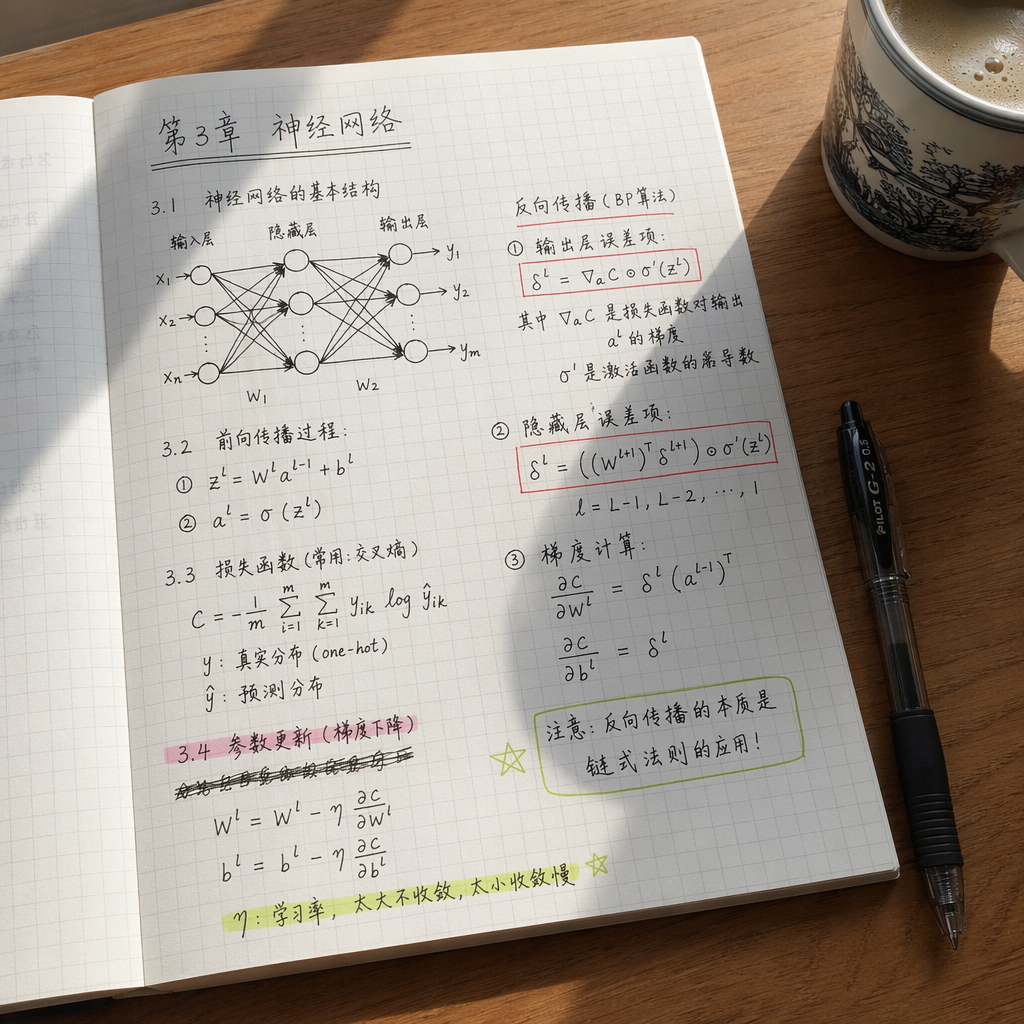
一张用iPhone拍摄的手写笔记照片。白色方格笔记本摊开放在木桌上,旁边有一杯咖啡和一支百乐中性笔。笔记内容是中文的机器学习学习笔记,包含:「第3章 神经网络」标题(加下划线),下面有手绘的简单神经网络图(输入层→隐藏层→输出层,带箭头),旁边写着反向传播的公式和注释。有些地方划掉了重写,有荧光笔标注重点。自然日光从窗户照入,有笔记本的阴影。极度真实的手写体,像真人的笔迹。
Frequently asked questions
Is the Handwritten Welcome Note / Property Guide prompt free to use?
Yes. The library is free forever. The realtor adaptations are written by the PostAI Editorial Team and licensed for free commercial use. The original prompt is sourced under CC BY 4.0 (where applicable).
What inputs do I need for the Handwritten Welcome Note / Property Guide prompt?
Check the 'What You Need' section above. Typically you need a relevant photo (your own or the property's), a project / brand name, a one-line headline or tagline, and your contact details.
Can I customise the Handwritten Welcome Note / Property Guide prompt for my market?
Yes. Replace the bracketed placeholders with details specific to your market — district, price range, project name, language. The prompt structure works equally well for Singapore, Malaysia, Hong Kong, the United States, the United Kingdom and Australia.
Can I use the same template for English-speaking and Chinese-speaking audiences?
Yes. The Xiaohongshu cover prompts explicitly support bilingual headlines; just provide both languages in the placeholder.
How do I make a carousel feel like a series?
Lock 3 things across all slides: same color palette, same typography, same accent element (an icon or a thin line). Vary only the imagery and text.