"Welcome Home" Closing-Gift Stamp — Real Estate AI Prompt
TL;DR: A passport-style entry-stamp graphic — repurpose as a charming "welcome home" closing-gift mark for new owners. Use this ChatGPT Image 2.0 prompt to closing-day "welcome home" social post for new owners. Replace the bracketed inputs with your details, paste into ChatGPT, and download the result.
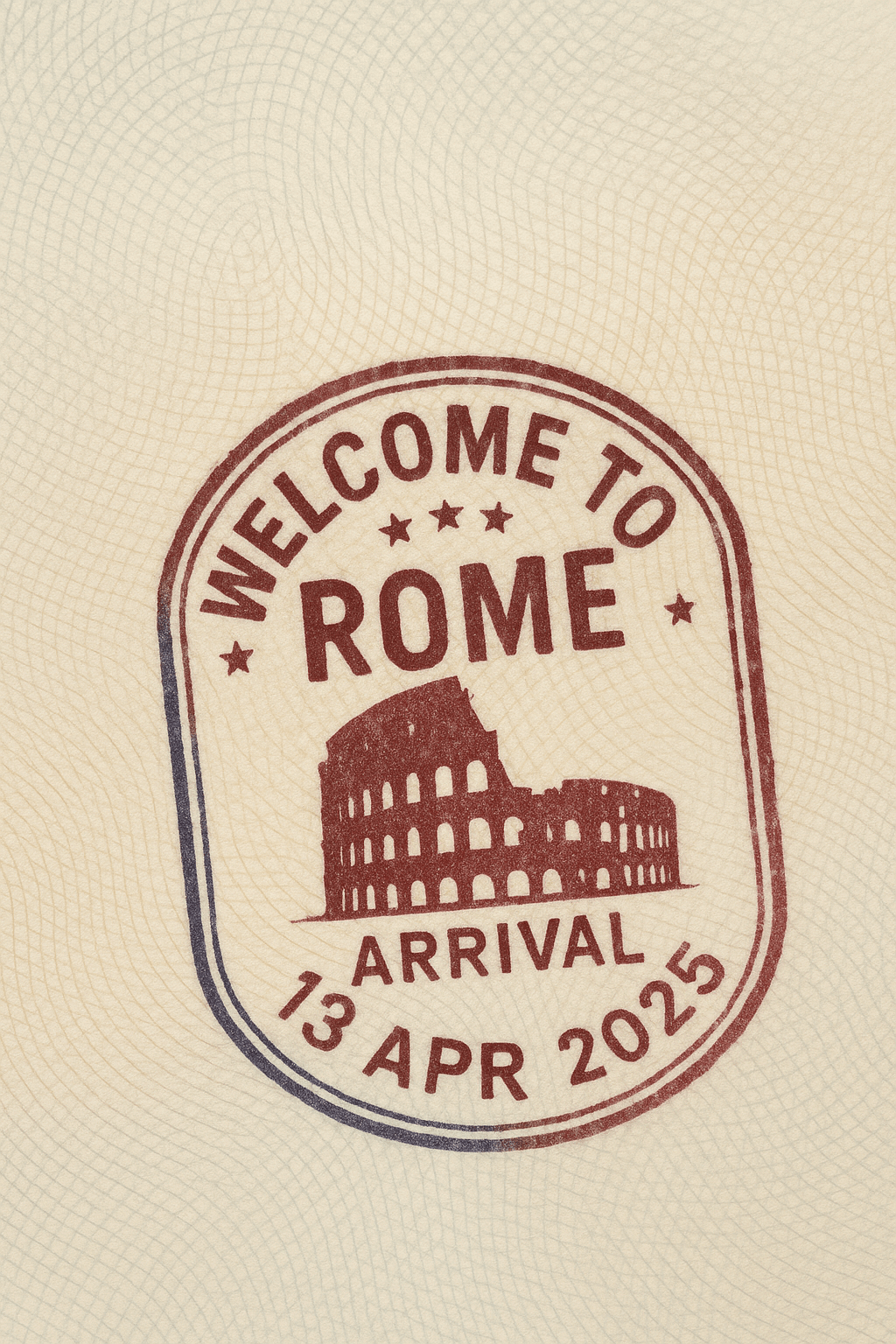
Good for
- Closing-day "Welcome Home" social post for new owners
- Branded sticker for a closing-gift envelope or card
- Anniversary "1 year in [project]" follow-up post
What you need
- Project name + closing date
- Optional: client family name
- Your name + phone
The realtor-adapted prompt
Copy the prompt below, paste it into ChatGPT (with image generation enabled), and replace each [your X] placeholder with your real details.
A worn passport-style entry stamp, deep purple ink on cream paper. Center text in vintage stencil font: "WELCOME HOME". Around the inner ring: "[your project name] · ENTRY · [your closing date, e.g. 10 MAY 2026]". Outer decorative border: classic passport scroll / star icons. Slight ink-bleed and fingerprint smudges for authenticity. Bottom small text below the stamp: "Officiated by [your name] · [your phone]". Style: vintage rubber-stamp aesthetic, 1:1 square, paper-grain texture.
How to use this prompt — step by step
- Open ChatGPT (chat.openai.com) and start a new chat.
- Make sure image generation is enabled (use ChatGPT Plus, Pro or Team).
- Paste the realtor-adapted prompt above into the chat input.
- Replace every
[your X]placeholder with your real details. Don't leave any placeholder unfilled. - Press send and wait 10–30 seconds. Download the generated image.
- (Optional) Generate 2–3 variations and pick the strongest before publishing.
Original prompt
View the original (unmodified) source prompt
Create a realistic passport page with an entry stamp for [{City}, {Country}]. The stamp should say "Welcome to {City}" in bold English, designed in a round or oval shape with decorative borders. Include the word "ARRIVAL" and a fictional date like "15 APR 2025" Incorporate a subtle silhouette of {Main Landmark} as a background detail within the stamp. Use deep blue or red ink with light smudges for added realism. The stamp should appear slightly angled, as if hand-pressed. The passport page should show visible paper texture and security patterns.Frequently asked questions
Is the "Welcome Home" Closing-Gift Stamp prompt free to use?
Yes. The library is free forever. The realtor adaptations are written by the PostAI Editorial Team and licensed for free commercial use. The original prompt is sourced under CC BY 4.0 (where applicable).
What inputs do I need for the "Welcome Home" Closing-Gift Stamp prompt?
Check the 'What You Need' section above. Typically you need a relevant photo (your own or the property's), a project / brand name, a one-line headline or tagline, and your contact details.
Can I customise the "Welcome Home" Closing-Gift Stamp prompt for my market?
Yes. Replace the bracketed placeholders with details specific to your market — district, price range, project name, language. The prompt structure works equally well for Singapore, Malaysia, Hong Kong, the United States, the United Kingdom and Australia.
Should slide 1 include the unit price?
No, generally — price filters out swipers. Save the price for slide 6–7 once they're engaged.
What dimensions are best?
4:5 portrait (1080×1350) — works on IG, FB, LinkedIn, and Xiaohongshu. Avoid 1:1 unless you're specifically optimising for Stories.