





New in ChatGPT · 4 Nov 2026

ChatGPT just learned to make GIFs. Here's what agents can do with it.

OpenAI rolled out ChatGPT Images 2.6 this week. Upload a photo, type one sentence, and you get a looping animated GIF. Almost no agent knows yet. Here are 6 ways to use it before everyone else does.

Animated agent sticker: Welcome home Listing photo turning from day to golden-hour sunset Map with a walking route appearing: 5 min walk to MRT Animated agent sticker: Huat ah

All samples on this page were made with AI. The agent is a fictional cartoon.

What's new in this update

NewAnimated GIFsAsk for a GIF from a text prompt, or upload a photo and ask ChatGPT to animate it.
NewEdit the GIFChange the playback speed, look at single frames and fix the ones that look off, then share.
NewReference imagesUpload a reference (your photo, your logo, your brand colours) and ChatGPT follows it.
BetterStays consistentKeeps the same character, product or brand look across many edits, so a whole set matches.
Faster50% faster imagesImage generation is about twice as fast as before.
EveryoneWeb, desktop and mobileRolling out to ChatGPT users on all three.

6 clever ways agents can use it

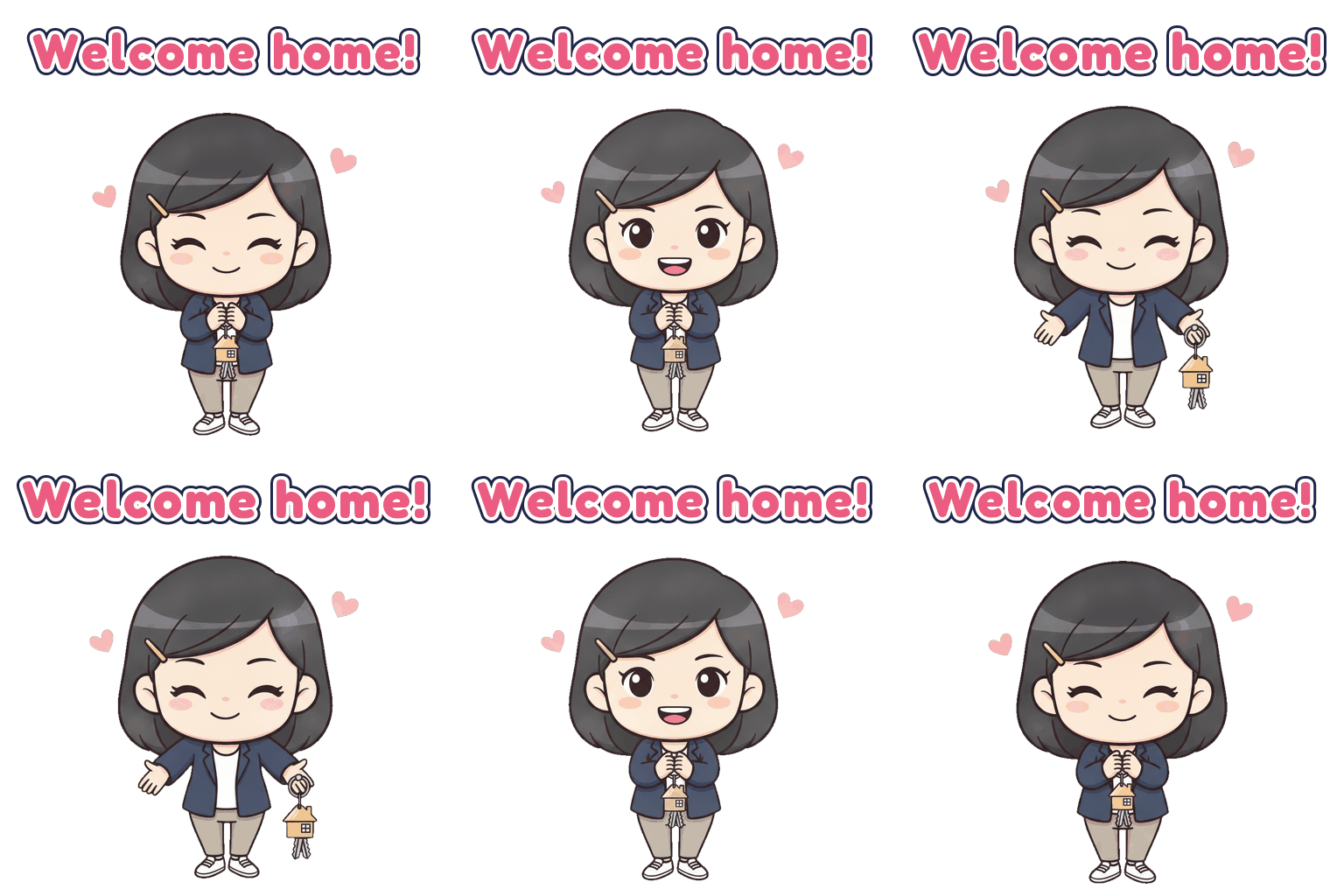
Welcome home sticker
Idea 1 · the one clients remember

Your own WhatsApp sticker pack

A cartoon of you saying "Viewing confirmed!", "OTP signed!", "Welcome home!". Clients save stickers and forward them to family, and every forward carries your face.

Upload one clear photo of yourself to ChatGPT, then paste:

Using my uploaded photo as reference, make a looping animated GIF chat sticker of me as a cute chibi cartoon. Keep my hairstyle, face, outfit and signature item ([a red folder and a gold house keychain]) the same in every frame. Action: [holds out a house keychain towards the viewer with a warm smile, small hearts]. Caption "[Welcome home!]" at the top in a bold rounded font with a thick white outline. Square, pure white background, 2–3 second loop; the first frame shows the full pose and caption.

More captions and the WhatsApp steps are in the full how-to below.

Day to sunset listing GIF
Idea 2 · WhatsApp Status teaser

Day-to-sunset listing photo

Upload your best living-room photo and let the light change from day to golden hour. A still photo gets scrolled past. A photo that moves makes buyers stop and ask "which unit is this?".

Animate my uploaded listing photo as a looping GIF, 3 seconds. Keep the room, furniture and camera exactly the same. Only the light changes: bright daytime → warm golden-hour sunset with soft long shadows and city lights starting to glow → back to daytime. Photorealistic, no text.
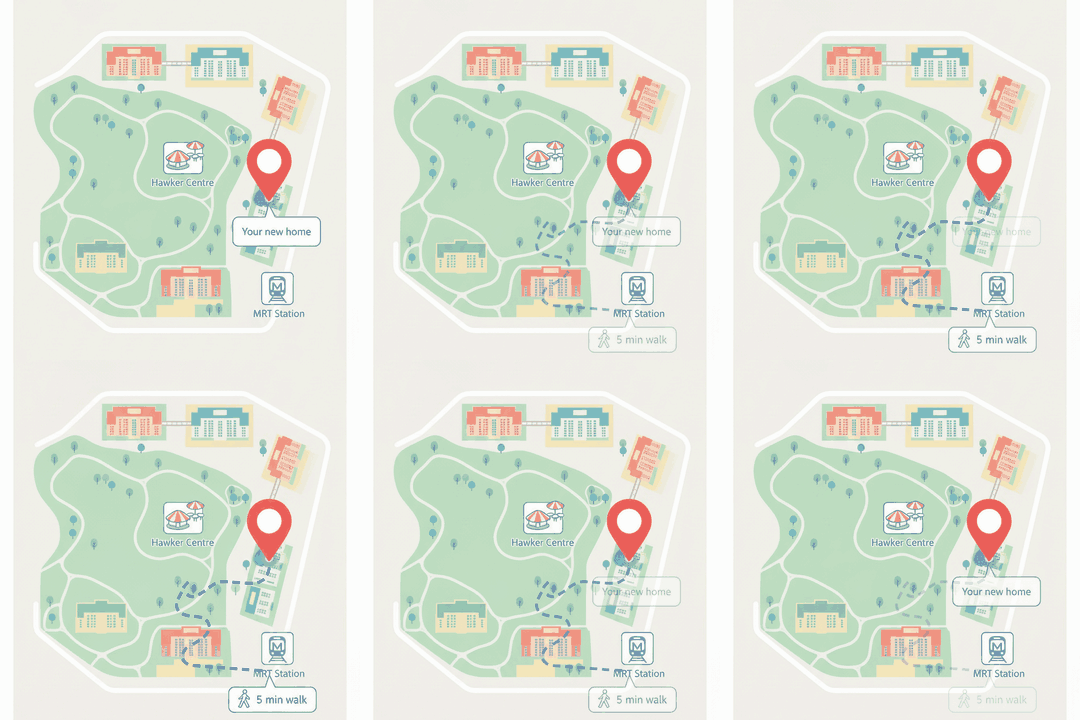
Map GIF with walking route to MRT
Idea 3 · sell the location in 2 seconds

"5 min walk to MRT" map

Buyers ask about the MRT first. Show it instead of typing it: a clean map where the walking route draws itself from the block to the station.

Make a looping animated GIF of a clean, pastel, top-down illustrated neighbourhood map. A red pin on the home block labelled "Your new home". A dashed walking route draws itself from the pin to the MRT station icon, with a small walking-person icon and a label "[5] min walk". Also show [the hawker centre and the park]. No brand logos. 3 seconds, loops back to the start.

Check the walking time yourself before you send it.

Festive greeting GIF with the agent character
Idea 4 · festive greetings that look like you

CNY, Hari Raya, Deepavali, Christmas

Everyone forwards the same greeting card. Send one starring you, made in the same chat as your stickers so it matches. Past clients notice, and that is when referrals come back.

Same character as my sticker pack. Make a looping festive GIF for [Chinese New Year]: she holds two mandarin oranges and gives a small cheerful bow, red lanterns swaying in the background, caption "[Gong Xi Fa Cai!]" in a bold rounded font with a white outline. Square, 3 seconds.
Offer accepted sticker
Idea 5 · for team leaders

One matching sticker pack for the whole team

Use the new reference images: upload your agency's colours (and logo if you're allowed to use it) once, then make every teammate's character in the same style. The team looks like one brand in every client chat.

Use the uploaded colour palette as the style reference. Turn the person in the second photo into a chibi sticker character that matches this style, wearing a [navy] blazer. Keep the same outline thickness and colours for every character I send next, so all stickers look like one team set.
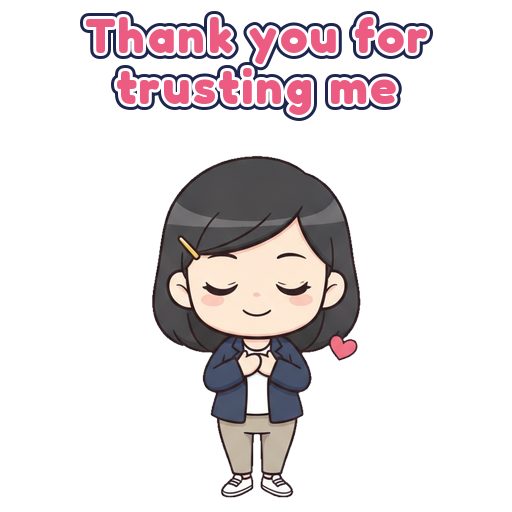
Thank you sticker
Idea 6 · after the deal

A thank-you that asks for the review

After completion, send a little GIF of you bowing with "Thank you for trusting me", then your Google review link in the next message. Clients are far more willing to leave a review when the thank-you made them smile.

Same character. Looping GIF sticker: she gives a small bow with both hands on her heart, a little heart floats up, caption "Thank you for trusting me". Square, white background, 2 seconds.

Make your sticker pack in 4 steps

Welcome home
Welcome home!
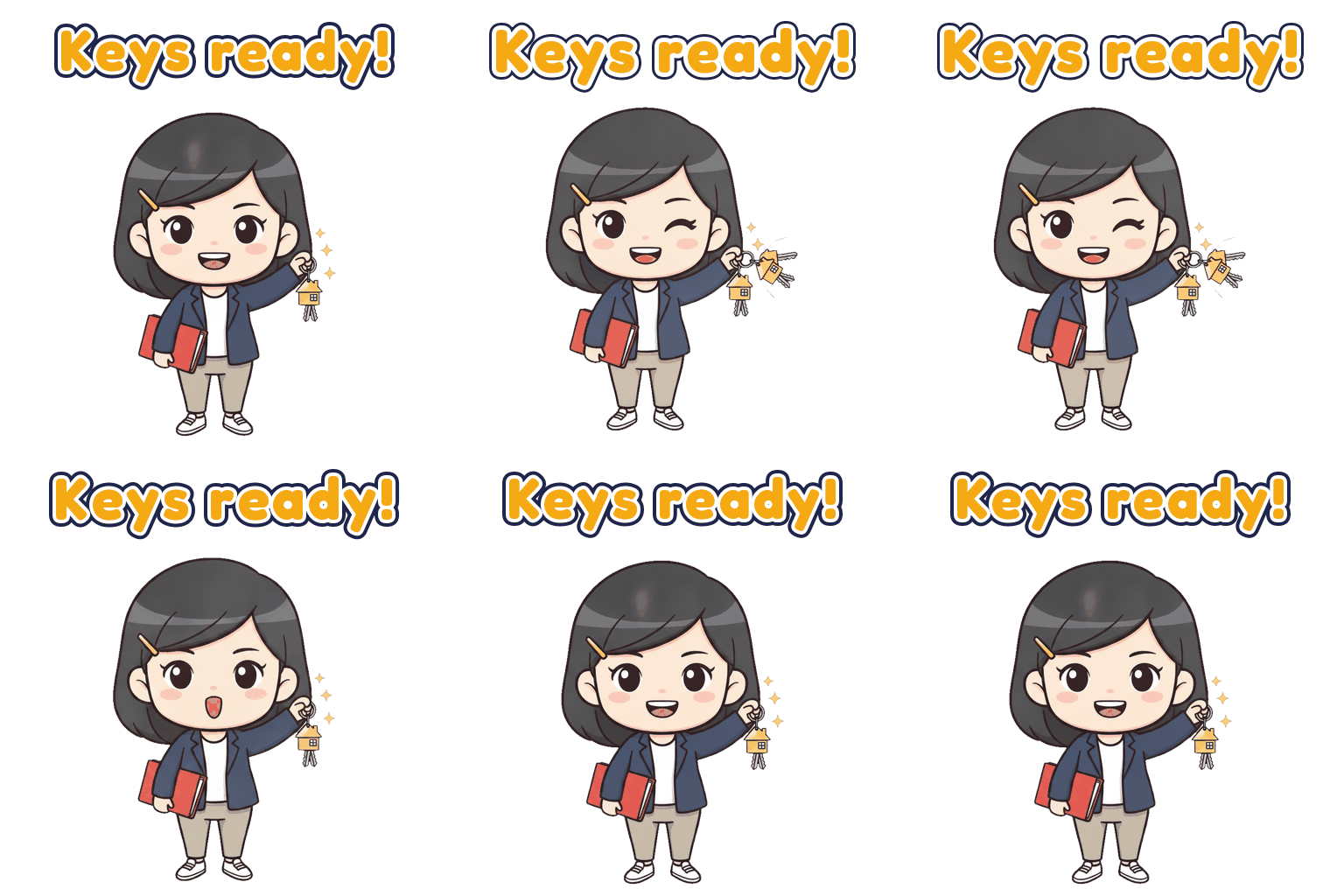
Keys ready
Keys ready!
On my way
On my way!
Huat ah
Huat ah!
Viewing confirmed
Viewing confirmed!
Offer accepted
Offer accepted!
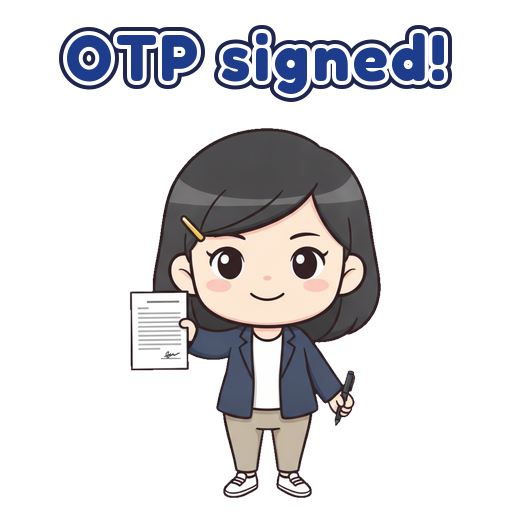
OTP signed
OTP signed!
Thank you for trusting me
  1. Upload your photo and paste this

    Open ChatGPT, upload one clear photo of yourself in the outfit clients know you by, and paste the prompt. Change only the bracketed parts.

    Using my uploaded photo as reference, make a looping animated GIF chat sticker of me as a cute chibi cartoon.
    [KEEP CONSISTENT] Keep my hairstyle, face, outfit and signature item the same in every frame. Chibi proportions, thick clean outlines, flat colours. Signature item: [e.g. a red document folder and a gold house keychain].
    [ACTION] [e.g. holds out a house keychain towards the viewer with a warm smile, small hearts]. One simple movement, a little exaggerated, still professional.
    [CAPTION] "[e.g. Welcome home!]" at the top in a bold rounded font with a thick white outline.
    [CANVAS] Square, pure white background, 2–3 second loop. The first frame shows the full pose and caption, and the last frame flows back into the first.
  2. Make the rest in the same chat

    Stay in the same conversation so ChatGPT keeps your look, and send one line per sticker:

    Same character, same style. New GIF sticker: action [ACTION], caption "[CAPTION]".
    CaptionActionWhen to send
    Viewing confirmed!Big thumbs-up and a winkAfter locking in a viewing
    On my way!Runs happily holding the folderHeading to a viewing
    Offer accepted!Fist-pumps, confettiThe call every buyer waits for
    OTP signed!Holds up a signed document and penRight after the OTP is exercised
    Keys ready!Jingles a house keychain up highDay before key collection
    Welcome home!Holds out the keys, warm smileHandover day
    Huat ah!Jumps for joy with a red packetAny win
    Don't worry, I got youReassuring OK signWhen a client is anxious
  3. Polish, then download

    Use the new GIF editing: adjust the speed and fix any frame that looks off. Then download each GIF.

  4. Add them to WhatsApp

    • Install a free sticker app such as Sticker.ly (iPhone or Android).
    • Tap + → Animated, pick your GIF, trim to 2–3 seconds.
    • Put at least 3 stickers in one pack, name it, tap Add to WhatsApp.

    WhatsApp's rules: 3–30 stickers per pack, 512×512, animated up to 500 KB and 10 seconds. Make sure frame 1 shows the full pose and caption.

Use it well: good news only (bad news gets a call) · your face only, never a client's without consent (PDPA) · no prices, unit numbers or "guaranteed" promises.

Why it's worth 15 minutes

Illustrative example. Serene and the Lims are fictional.

Serene spent seven months helping Uncle and Auntie Lim leave the Tampines flat they'd lived in for 31 years, to be ten minutes from their daughter in Punggol. On handover morning she sent this:

Your keys are ready, Uncle and Auntie. See you at 3pm 🙂 Welcome home sticker
Auntie saved it and forwarded it to her daughter and her sister. When her mahjong friend's son wanted to sell, she forwarded it once more:

"This girl. Very patient. Call her."

Name cards stay in drawers. Stickers get forwarded.