How to Film Home Tour Reels for Instagram
No fancy gear, no editing degree. Just your phone, a simple shot list, and the hooks that make buyers stop scrolling and slide into your DMs.
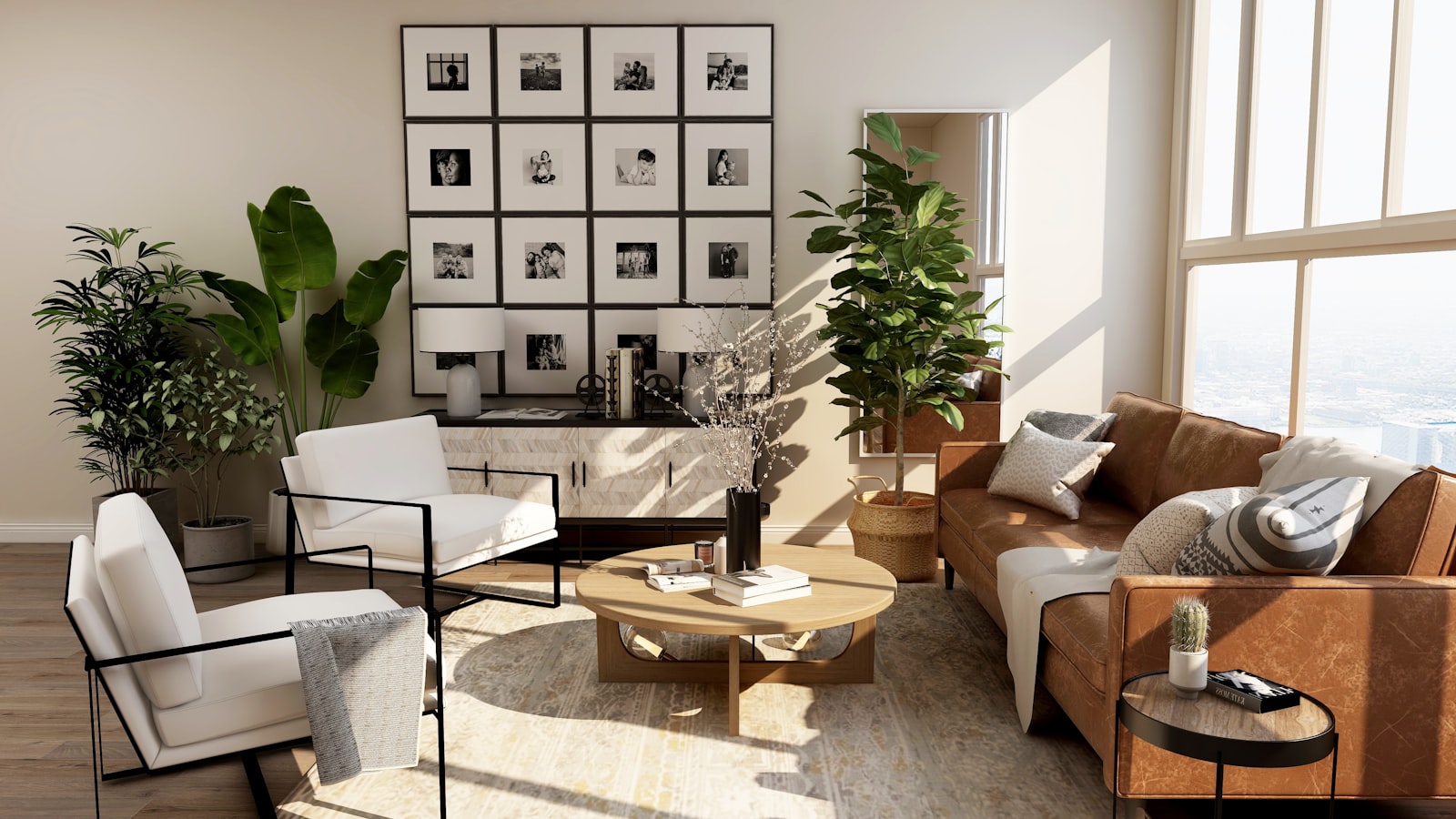 Filmed on a phone, in 9:16
Why this matters
Home tour reels are the fastest way to fill your DMs
A home tour reel is one of the most powerful pieces of content a property agent can post. It lets buyers feel what it would be like to live in a space, and it shows sellers exactly how you market a home. You do not have to reveal every detail. Show just enough that viewers picture their own life there and want to learn more.
Done well, a single reel will stop the scroll, spark curiosity, start conversations in your DMs, and build trust with future buyers and sellers long before they are ready to sign with anyone.
You do not need your own listings
One of the biggest mistakes agents make is thinking they cannot post home tour reels without active listings. The truth is you have access to homes all the time. If you have nothing live right now, ask another agent if you can film a quick reel of their listing. Most will say yes for the free exposure. Just tag the listing agent in your post.
Best practices
Five rules behind every reel that performs
Your hook is the number one priority
The first 2 to 3 seconds need to give someone a reason to stay. Use clean, simple text that is easy to read, keep it centered on screen, and include the city or neighbourhood name so the right local audience finds it.
Sell the lifestyle, not the square footage
Make viewers feel what life in the home could be like. Instead of leading with floor area and room counts, tap into morning routines, family moments and milestones. When people imagine their life there, they take the next step.
Keep it short and sweet
The best performing home tour reels run 10 to 15 seconds. Short, aesthetic clips hold attention longer, feel faster and more engaging, and are far easier to rewatch and share.
Do not reveal the full address
A full address lets viewers google the listing or visit on their own, and skip talking to you. Share the price range, neighbourhood or a standout feature instead, and leave room for curiosity.
End with a clear call to action
Tell viewers exactly what to do next. Try "Comment HOME for the full listing", "DM me to view in person", or "Follow for more homes in [your area]".
Filming setup
Get clean, professional footage with just your phone
Two things separate a polished reel from a shaky one: how your camera is set up, and how you hold it. Lock these in before you walk through the door.
Phone and camera settings
- Always film vertically (9:16) with your back camera
- Wipe the lens clean with a soft cloth first
- Set the camera to 4K at 30fps
- Turn HDR video off for cleaner quality
- Turn gridlines on for straighter shots
Light and clip length
- Film during the day in natural light
- Open every blind and curtain so the space feels inviting
- Capture 5 to 8 second clips, not long walkthroughs
- Short clips are easier to edit and perform better
- Shoot more than you need so you can pick the best
Filming technique: steady beats fancy
- Film with two hands, phone close to your chest, to stabilise the shot
- Plant your feet in one spot instead of walking while you film
- Let movement come from slow, controlled shifts in your upper body
- Use subtle moves: a slow lean, a gentle pan, a slight tilt
- Capture different angles of each space: one wide, one medium, one close-up
- Highlight sections of a room individually rather than one long sweep
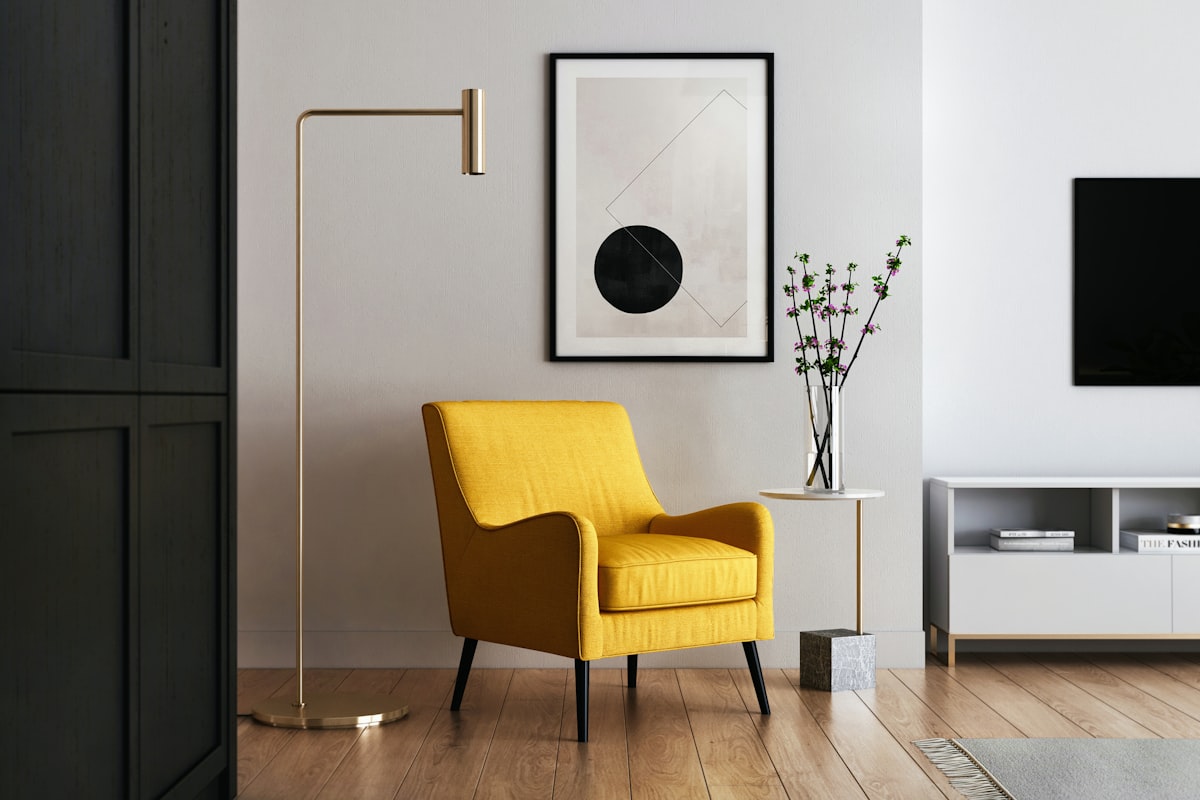
Home tour shot list
The exact shots to capture, room by room
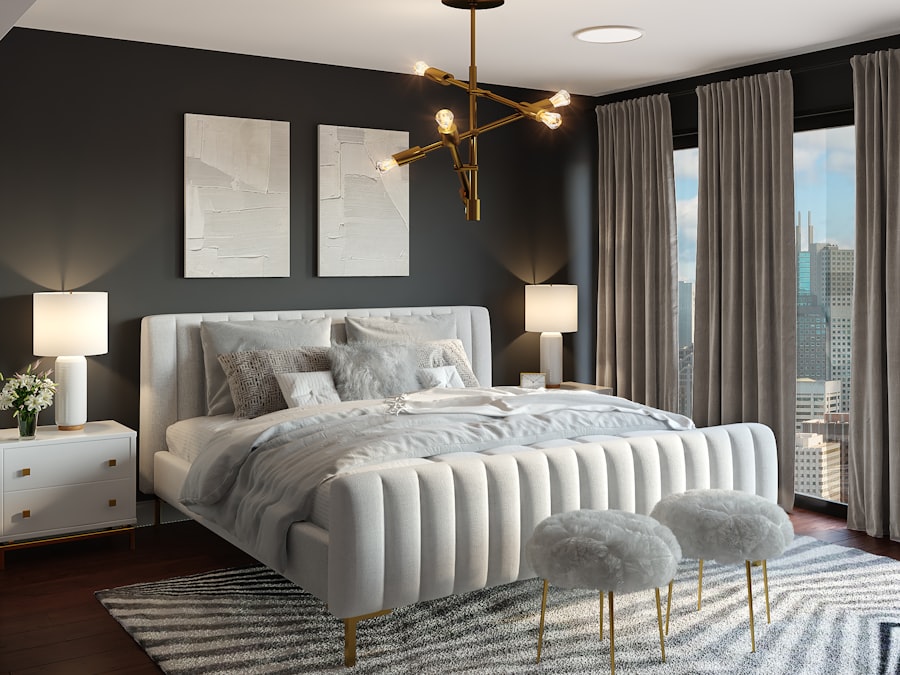
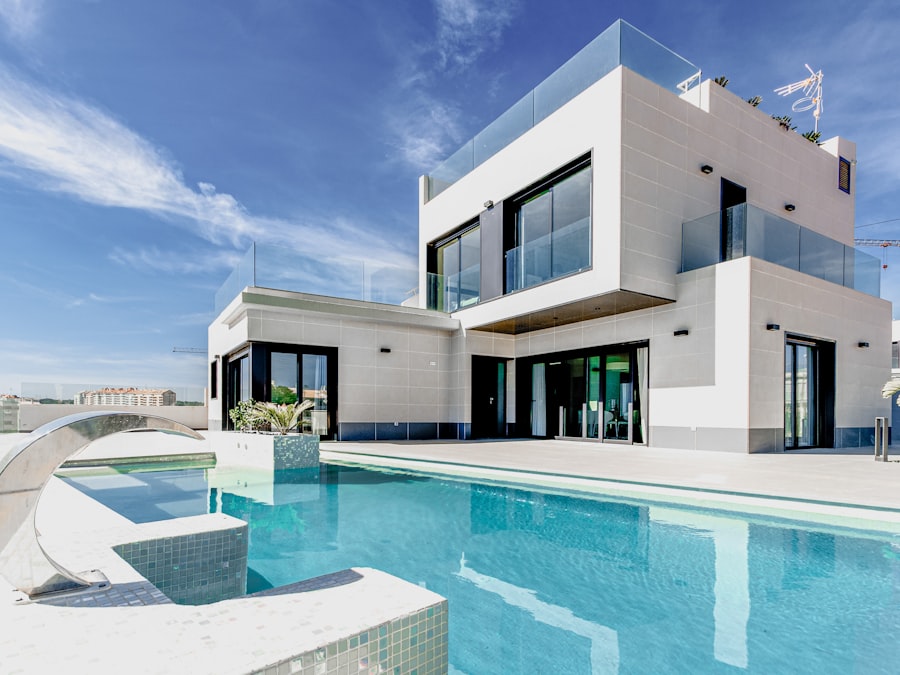
Walk the home in this order and grab a few short clips in each space. You will not use every shot, and that is the point: film generously, then keep only the strongest moments.
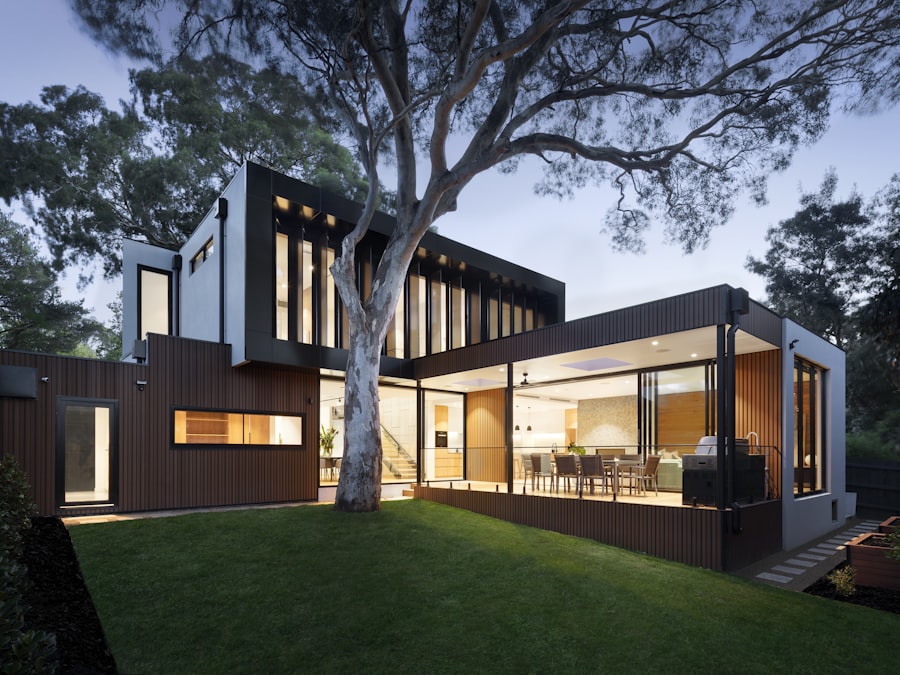
Exterior
- Exterior of the home
- Walking up the path or driveway
- Front door closed, then opening it
Entryway
- Entryway or foyer wide shot
- View from the entry into the main living space
Living areas
- Living room wide shot
- Alternate angle of the living space
- Detail shot: coffee table, shelf or decor
- Fireplace or standout feature
Kitchen and dining
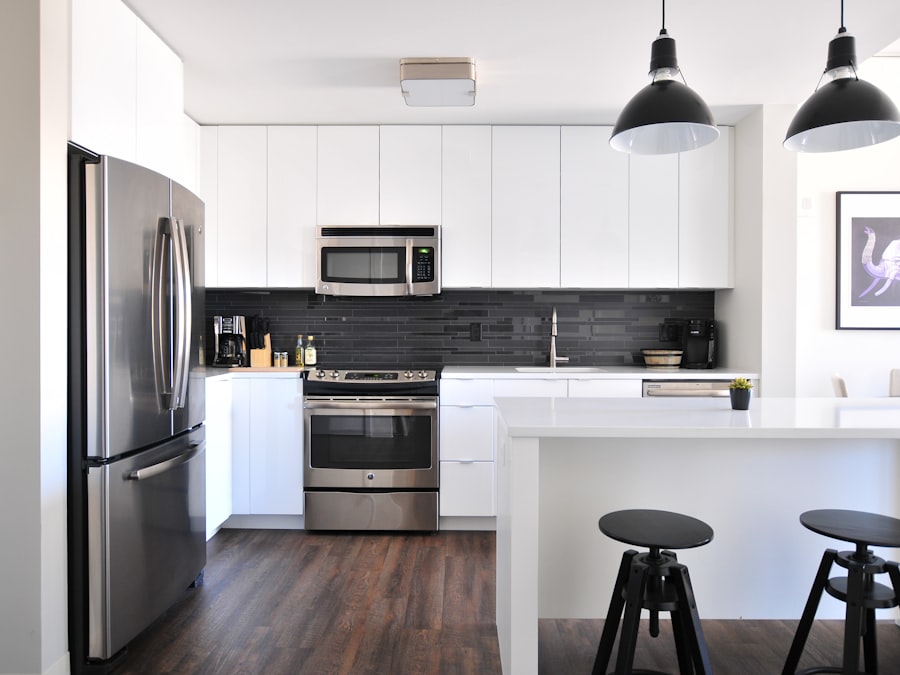
- Kitchen wide shot
- Island or breakfast bar
- Close-up of hardware, appliances or finishes
- Dining area wide shot and a seating detail
Bedroom
- Primary bedroom wide shot
- Alternate angle of the bedroom
- Detail: nightstand, throw pillows or headboard
Bathroom
- Vanity and mirror
- Shower or soaking tub detail
- Clean finish or tile detail
Outdoor space
- Backyard, patio or balcony wide shot
- View looking outward to yard, city or greenery
- Close-up of outdoor furniture or seating
Editing
Cut it together in four steps
You can do all of this inside Instagram or a free editor like CapCut. The goal is a tight, 10 to 15 second reel that flows.
Trim your clips
Cut each clip to 1 to 2 seconds, keep only the strongest moment, and remove shaky starts or stops.
Arrange the flow
Open with your strongest clip, move logically through the home, and avoid two clips in a row with the same motion.
Add the on-screen hook
Place your hook as centered text in the first few seconds, in a clean readable font, with the neighbourhood name.
Finish with a CTA
End with a clear call to action on screen or in the caption, telling the viewer exactly what to do next.
Swipe these
10 home tour reel hooks that are working
Copy any of these, then replace the bracketed parts with your own details. Keep the text centered and on screen for the first few seconds.
[holiday] in your new [city] home[home feature], unless you are ready to start your next chapter in [city][city] dream home with the [home feature] you have always wanted[$X] buys you in [city] right now[city] with [feature 1], [feature 2] and [feature 3][home style] in [city] under [$X], this is the first place I would send them[city][home style] in [city][city] home with [feature] and [feature][$1.2M] get you in [Tanjong Pagar] right now?Tip: lead with the neighbourhood. A hook that names a real area reaches the buyers actually searching for it.
The faster way
No time to film? Generate the reel instead
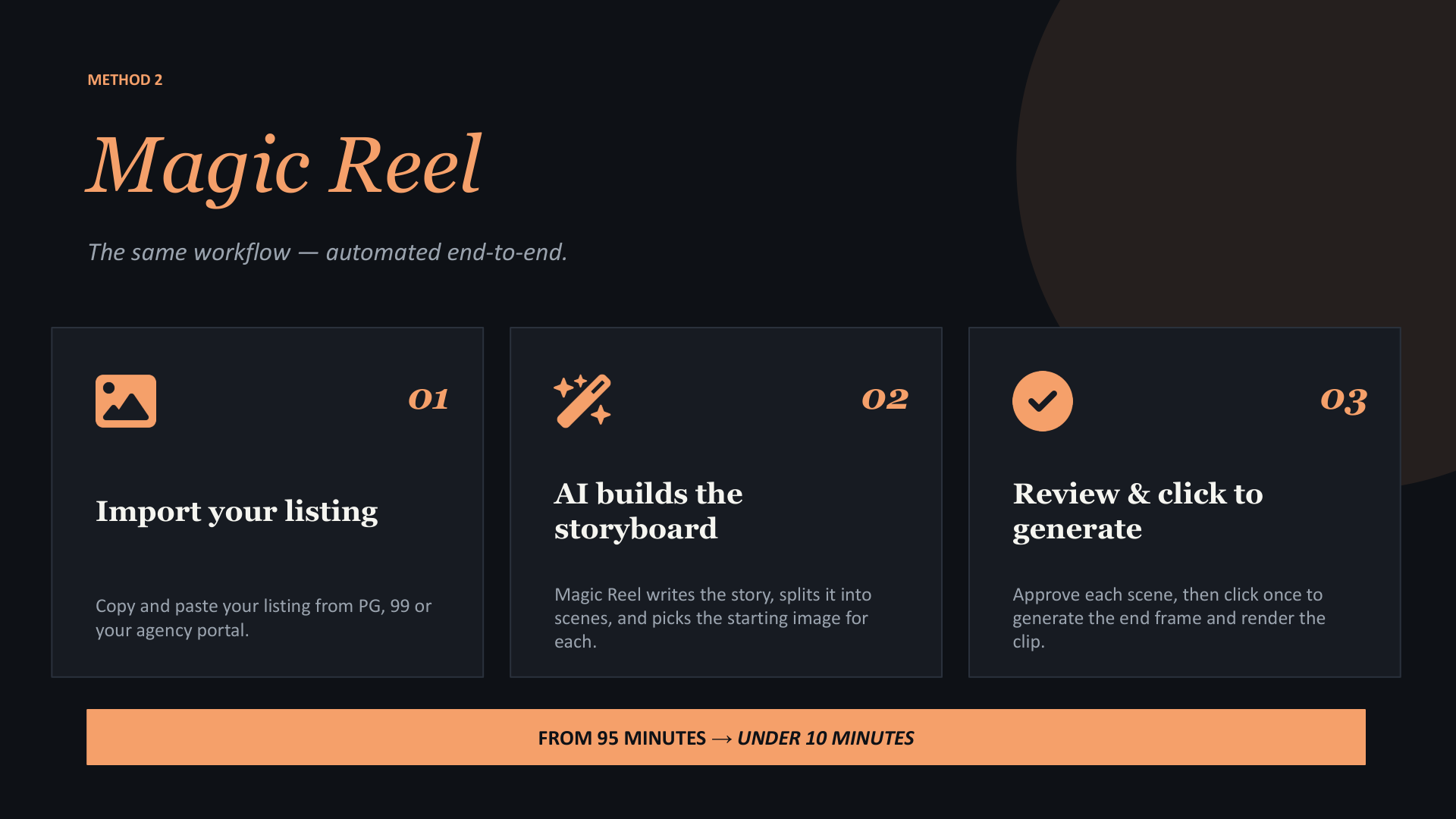
Filming is great when you can be on site. When you cannot, PostAI builds the home tour reel for you. Drop in listing photos or paste a listing URL, and Magic Reel assembles a polished, transition-style reel with captions and a voiceover in about a minute.
- Turn photos or a listing URL into a finished reel automatically
- Smooth transitions, on-screen captions and a natural voiceover
- Export in 9:16 for Instagram, TikTok and YouTube Shorts
- Publish to every platform in one click
Post your next home tour reel today
Film it with your phone using this guide, or let PostAI generate it from your listing photos. Either way, your next reel is minutes away.